Free delivery to Latvijas Pasts parcel lockers from 35 €
0

Laptop Replacement Batteries

594 products

Discover laptop replacement batteries that restore mobility and extend runtime away from the outlet. Choose from Li‑ion and Li‑Poly options with matching voltage and capacity for your model.

Ideal for home, office, travel and field work, each battery features protection electronics for safe, reliable use. Check the specs and find the perfect fit for your laptop.
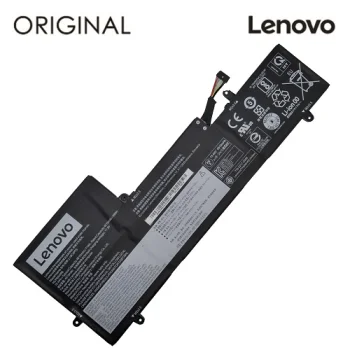
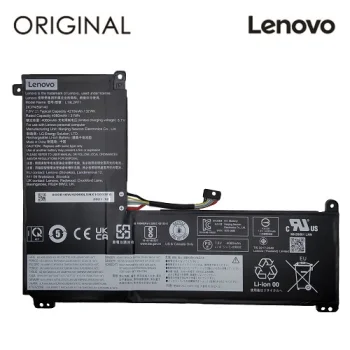
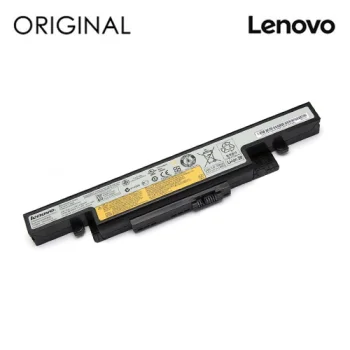
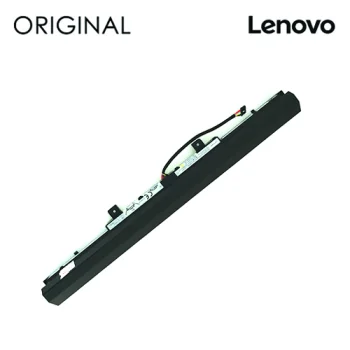
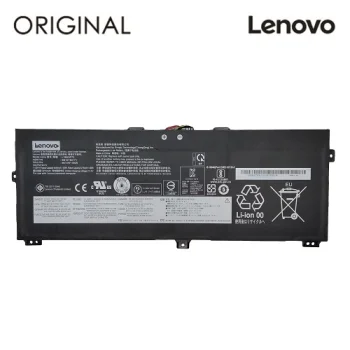
Laptop Battery Lenovo L19C4PF5, 4515mAh, 15.44V, 69Wh
Extra Digital
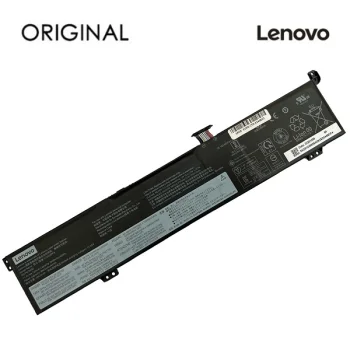
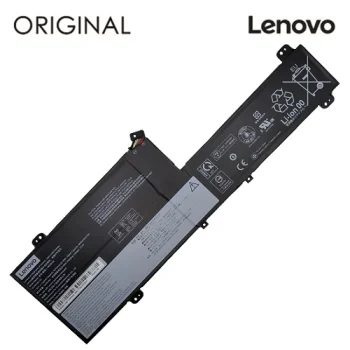
Laptop Battery Lenovo L19D3PD6, 4440mAh, 11.52V, 51Wh
Extra Digital
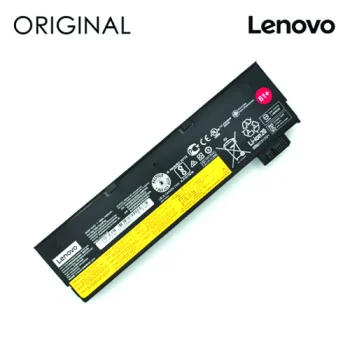
Laptop Battery Lenovo L19M2PF1, 4080mAh, 7.6V
Extra Digital
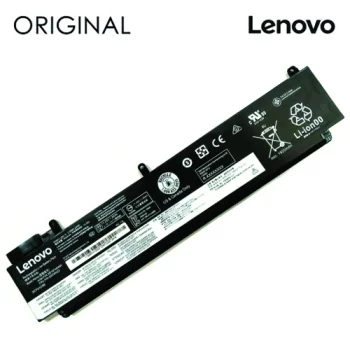
Laptop Battery Lenovo SB10F46460 00HW022, 2090 mAh, 11.25V
Extra Digital
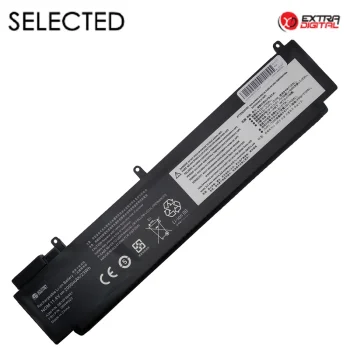
Laptop Battery Lenovo SB10F46460, Extra Digital, 2000mAh, 11.4V
Extra Digital
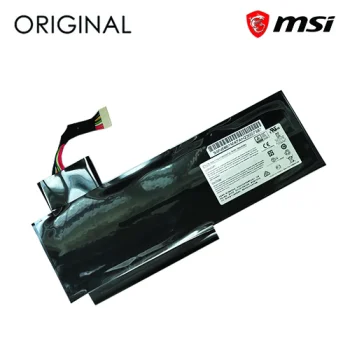
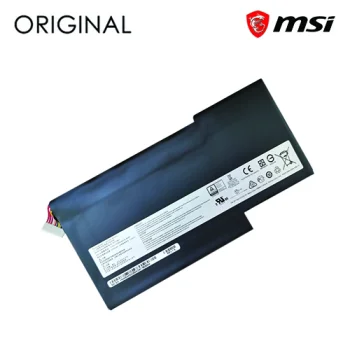
Laptop Battery MSI BTY-L76, 5400mAh, 11.1V
Extra Digital
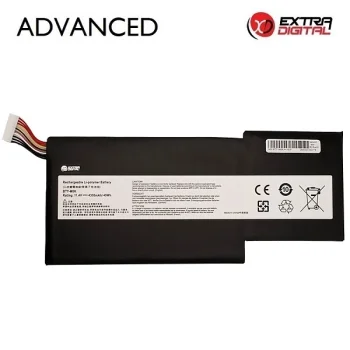
Laptop Battery MSI BTY-M6J, 5700mAh, 11.4V
Extra Digital
New
Laptop Battery MSI BTY-M6K, 4300mAh, Extra Digital
Extra Digital
New
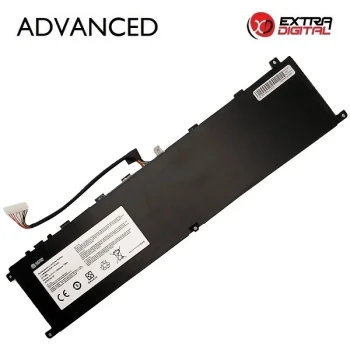
Laptop Battery MSI BTY-M6L, 5200mAh, Extra Digital
Extra Digital
New
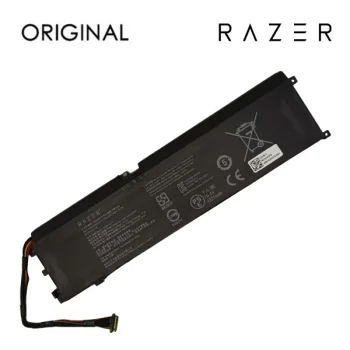
Laptop Battery RAZER RC30-0270, 4221mAh, 15.4V
Razer
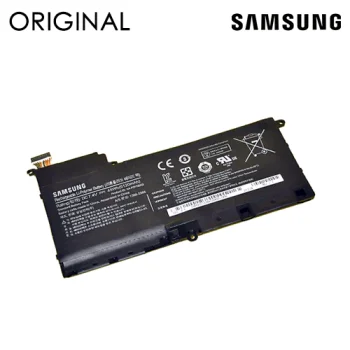
Laptop Battery Samsung AA-PBYN8AB, 45 Wh, 7.4 V, Black
Extra Digital
New
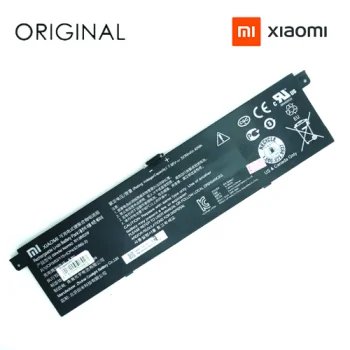
Laptop Battery Xiaomi R13B02W, R13B01W, 5230mAh, 7.6V
Xiaomi
Lenovo L11S6R01 Laptop Battery, 6700mAh, 10.8V, 72Wh
Extra Digital
Lenovo L15C3A01 L15S3A01 Laptop Battery, 2200 mAh, 14.4 V
Extra Digital
Lenovo L18M3P72 Laptop Battery, 4215mAh, 11.52V
Extra Digital
Lenovo L19D3PF4 Laptop Battery, 3843mAh, 11.4V, 44Wh
Extra Digital
Lenovo SB10K97583 01AV491 Laptop Battery, 4400 mAh, 10.8V
Extra Digital
New

-5%

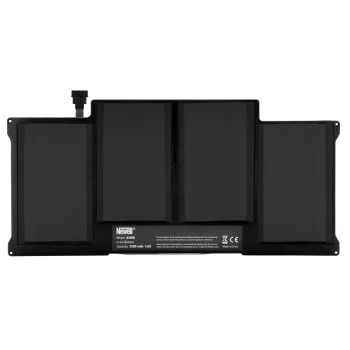
Newell A1496 Battery for Apple MacBook Air 13
Newell
New

-7%

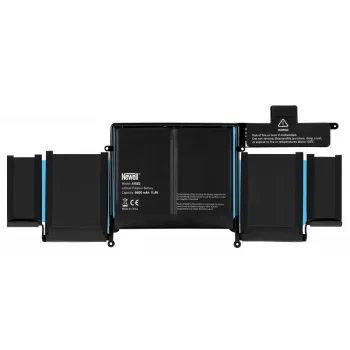
Newell A1582 Battery for Apple MacBook Pro 13 (2015)
Newell
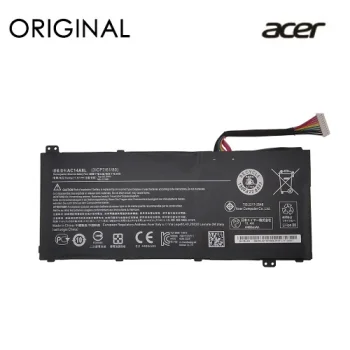
Notebook Battery ACER AC14A8L, 4465mAh, Original
Extra Digital
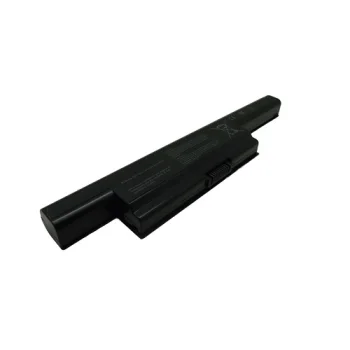
Notebook Battery ASUS A32-K93, 4400mAh, Extra Digital Selected
Extra Digital
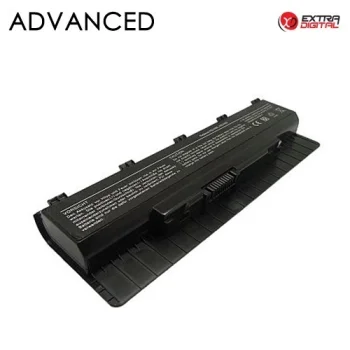
Notebook Battery ASUS A32-N56, 4400mAh, 11.1V, Extra Digital
Extra Digital
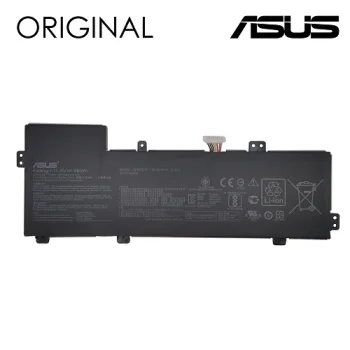
Notebook Battery ASUS B31N1534, 4240mAh, Original, Extra Digital
Extra Digital
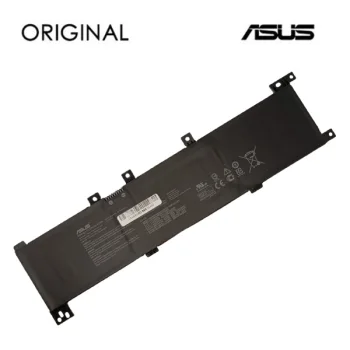
Notebook Battery Asus B31N1635, 3550mAh, 11.55V, Original
Extra Digital
New
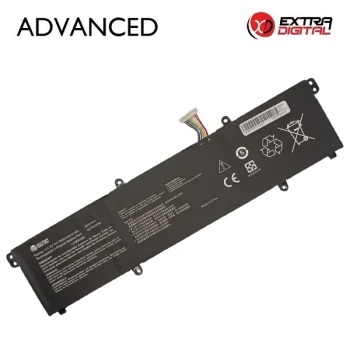
Notebook Battery ASUS B31N1911, 3600mAh, Extra Digital
Extra Digital
New
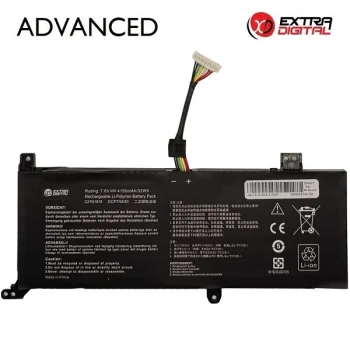
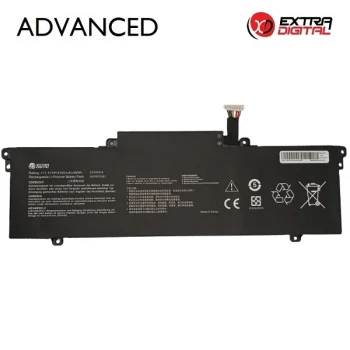
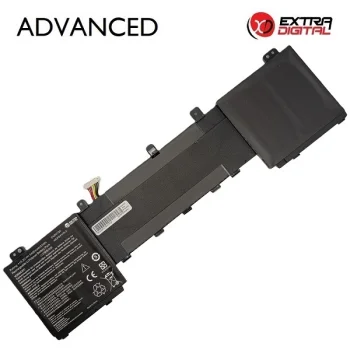
Notebook Battery ASUS C21N1818-2 Extra Digital Advanced (4150mAh, 7.6V)
Extra Digital
New
Notebook Battery ASUS C31-X502, 44Wh, Extra Digital
Extra Digital
Notebook Battery ASUS C31N1528, 3000mAh, Extra Digital Selected Pro
Extra Digital
New
Notebook Battery ASUS C31N1620, 3400mAh, Extra Digital
Extra Digital
New
Notebook Battery ASUS C31N1821, 4210mAh, Extra Digital
Extra Digital
New
Notebook Battery ASUS C31N1914, 4100mAh, Extra Digital
Extra Digital
Notebook Battery ASUS C41N1541, 5000mAh, 15.2V
Extra Digital
New
Notebook Battery ASUS C41N1837, 4500mAh, Extra Digital Advanced
Extra Digital
New
Notebook Battery ASUS C41N2013-1, 5844mAh, 90Wh, Extra Digital
Extra Digital
New
Notebook Battery ASUS C42N1728, 3400mAh, Extra Digital Advanced
Extra Digital
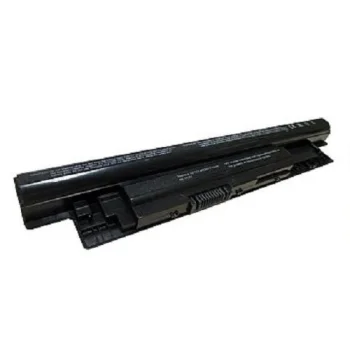
Notebook Battery DELL MR90Y, 5200mAh, Extra Digital Advanced
Extra Digital


Laptop replacement batteries are the easiest way to bring back true portability when your notebook starts draining too fast. In this category you’ll find compatible Li‑ion and Li‑Poly packs in a range of capacities (mAh/Wh), voltages (V) and cell counts. Options include slim internal modules as well as extended‑capacity variants designed for longer sessions between charges.

These batteries suit many use cases. At home or in class, enjoy working from the sofa or kitchen table without hugging the wall socket. In the office, move freely between desks and meeting rooms. While traveling, count on dependable power in airports, trains and conferences. For outdoor work, photo/video shoots, or service technicians, higher‑capacity packs help you stay productive all day. They also make a thoughtful, practical gift for anyone with an aging laptop battery.

Key advantages include longer runtime, reliability and safety. Modern packs integrate protection circuitry against overcharge, over‑voltage and overheating, and adhere to common safety and environmental standards (e.g., CE, RoHS). Durable housings and quality cells influence both time per charge and total lifespan (number of cycles).

How to choose the right one? Confirm your exact laptop model and the original battery’s part number. Match the voltage (V) closely, and ensure the connector and shape are the same. Capacity in watt‑hours (Wh) determines how long you can work: higher Wh means more runtime, sometimes with extra weight or size. Consider chemistry (Li‑ion vs Li‑Poly) and the number of cells. If your old battery is swollen or its percentage drops sharply, replace it promptly for safety.

Usage and care tips: perform one full charge/discharge early on to calibrate your system’s gauge. Day to day, keeping the battery between 20–80% and avoiding heat (e.g., soft surfaces that trap warmth) can help. For long‑term storage, leave 40–60% charge in a cool, dry place. Always use a compatible charger and never puncture or crush the pack. When flying, carry spare batteries in hand luggage and follow airline watt‑hour limits.

  • Compatible replacement batteries for a wide range of laptop models
  • Multiple capacities (Wh) and voltages (V) for the runtime you need
  • Li‑ion and Li‑Poly cells with integrated protection circuitry
  • Safety features against overcharge, overheating and overload
  • Clear selection and installation tips to ensure a proper fit
  • Great for home, office, travel and demanding field work
  • Calibration and care advice to extend overall lifespan

Frequently Asked Questions

Check your exact laptop model and the original battery part number. Match voltage (V), capacity (Wh) and connector/shape. If these align and the housing design fits, the battery will be compatible.
Lifespan depends on cell quality and usage habits. Avoid heat, don’t store fully charged or fully depleted for long periods, and calibrate occasionally. Day to day, keep charge between 20–80%.
Many models only require a small screwdriver; some laptops benefit from plastic prying tools. Follow the manufacturer or service manual and work on an ESD‑safe surface.
Keep the battery cool and dry, away from heat. For long storage, leave 40–60% charge. When flying, carry spare batteries in hand luggage and follow airline watt‑hour limits.