
- Gifts & Party Decorations
- Phone Accessories
- Photo & Video
- Computers & Electronics
- Sports & Fitness
- Beauty & Health
- Car & Motorcycle Accessories
- Bicycle Accessories
- Home & Living
- Garden & Outdoor
- Baby & Kids Products
- Games, Hobbies & Leisure
- Travel & Outdoor Activities
- Pet Supplies
- Discounted Items & Products with Defects
Laptops and accessories
Laptop accessories include bags, sleeves, stands, cooling pads, chargers and replacement parts, with products from Extra Digital, Tech-Protect, HP and Tomtoc. They suit people carrying a laptop, setting up a workspace, charging a device or replacing a component. Check laptop dimensions when choosing a bag or pad, and confirm exact-model compatibility for chargers and replacement parts.
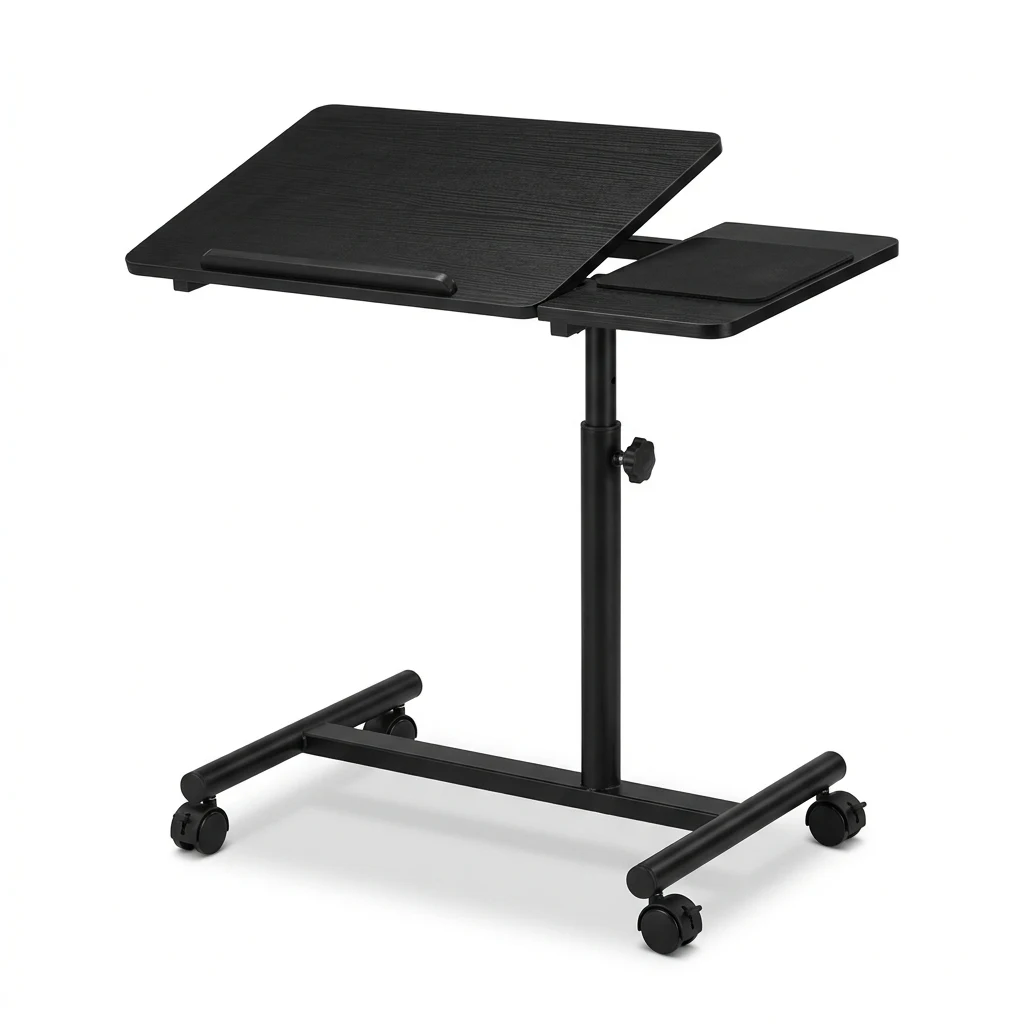
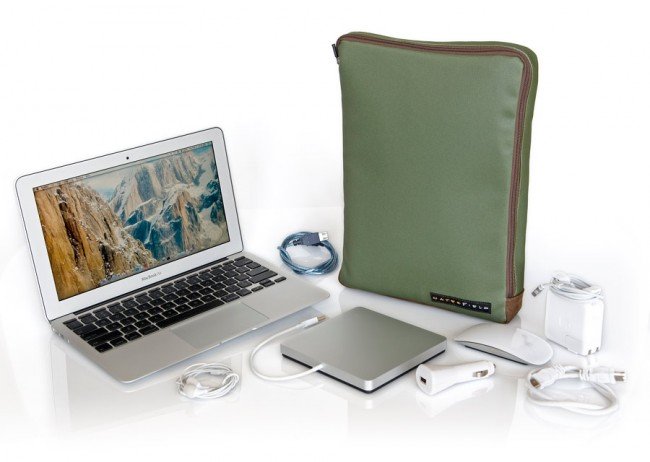
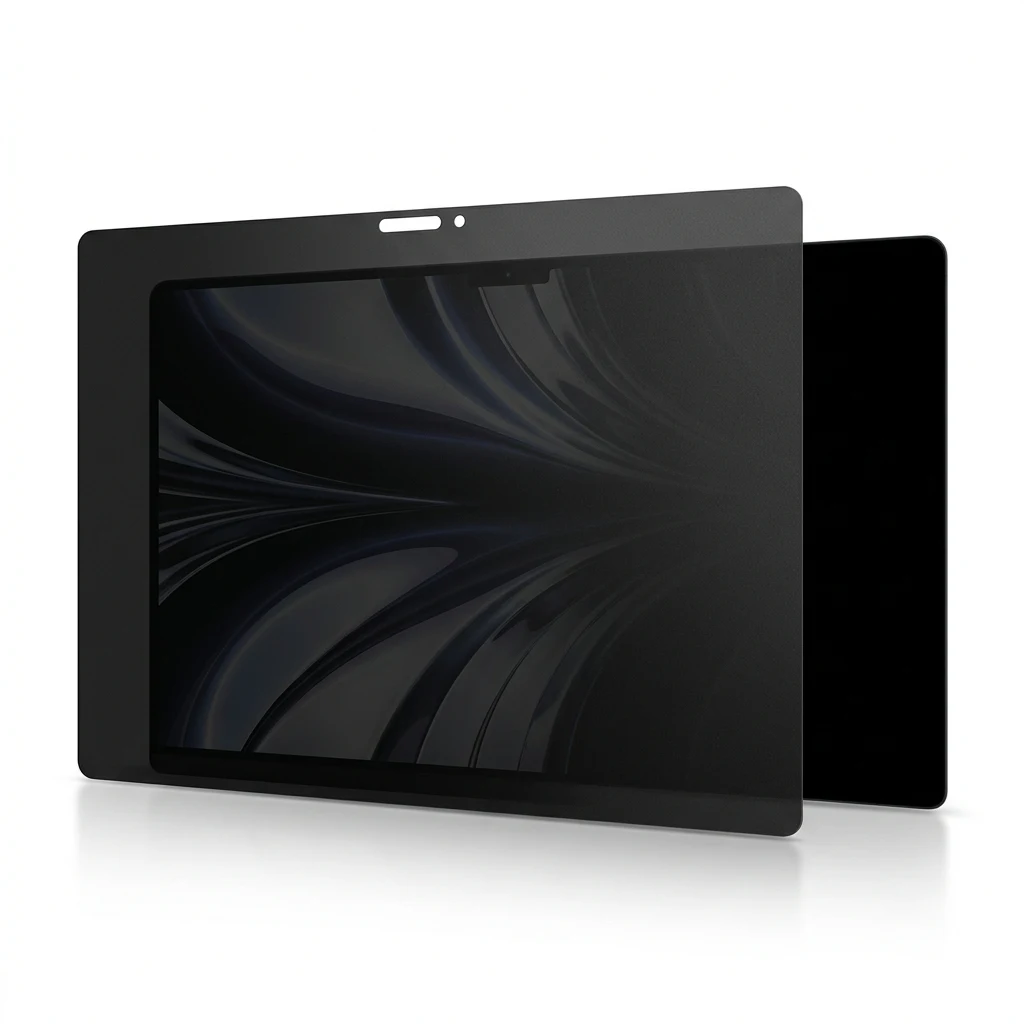
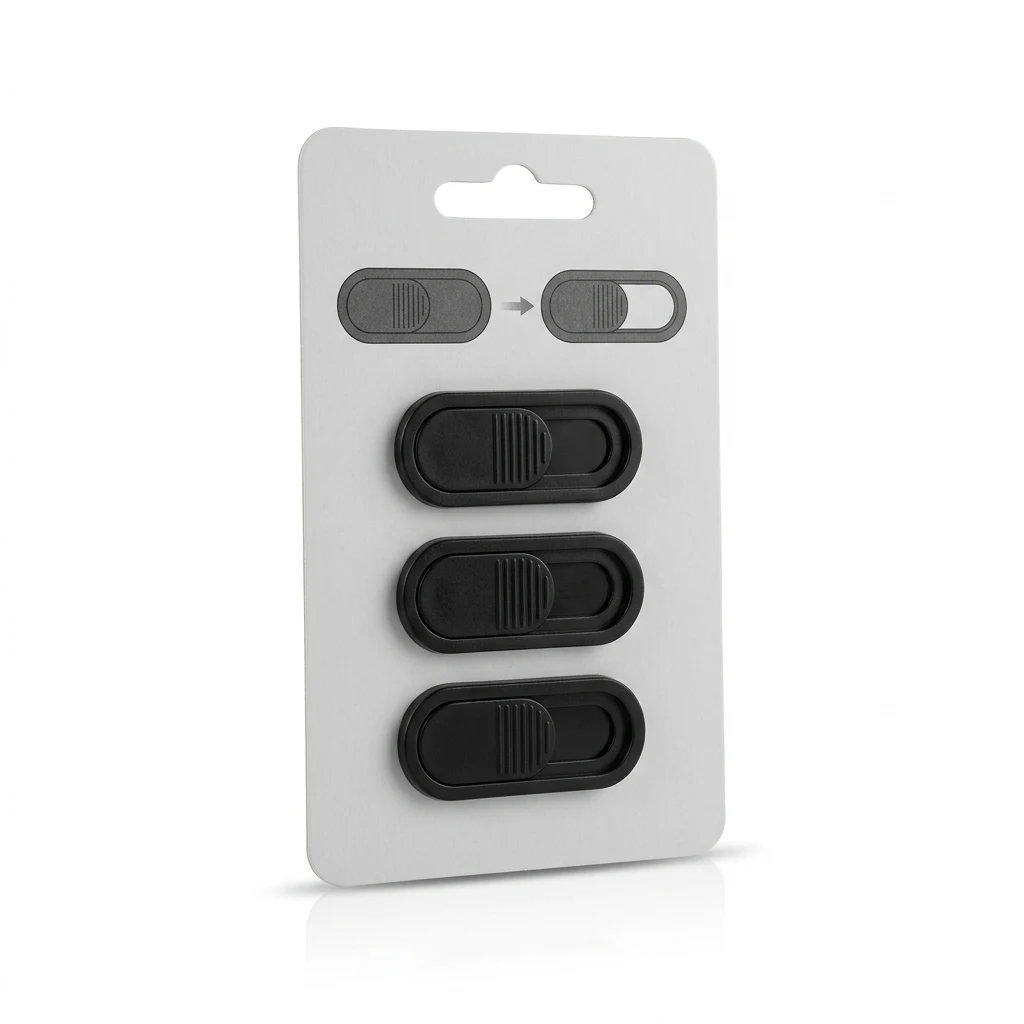
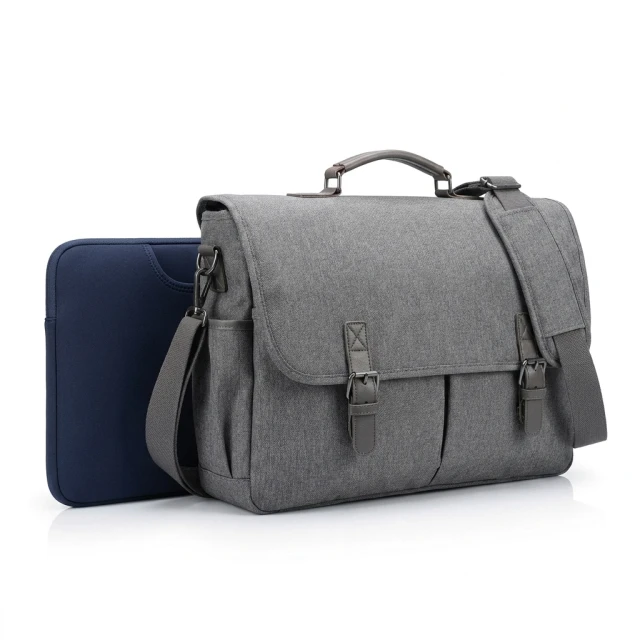
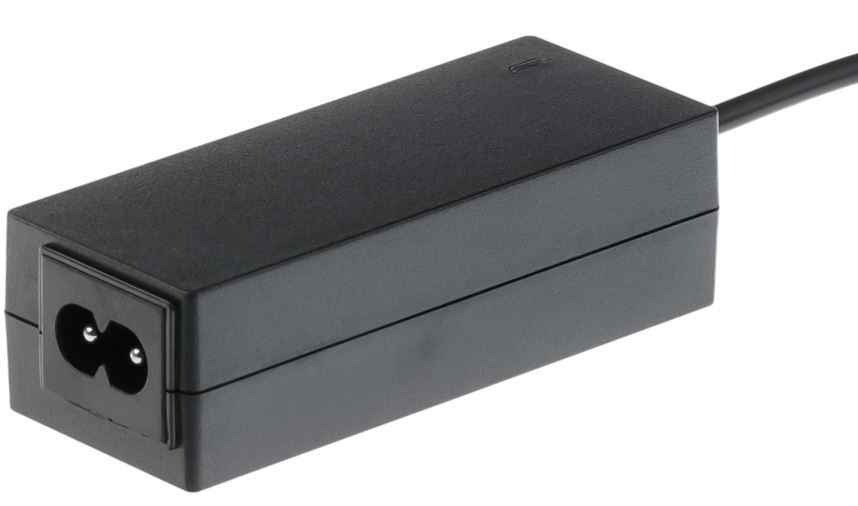
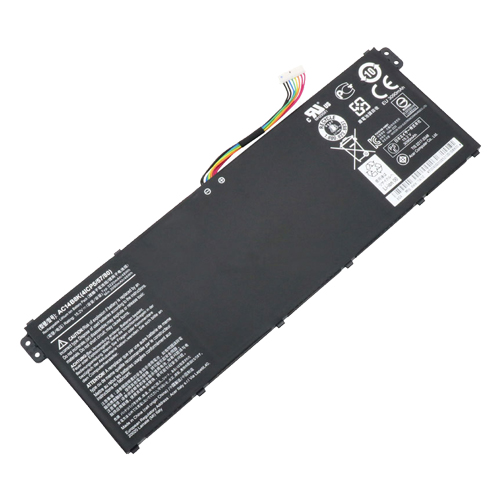
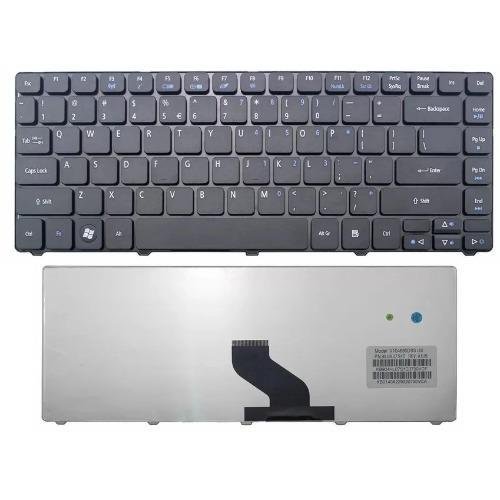
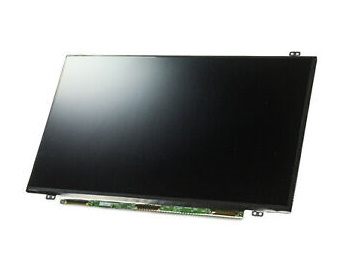
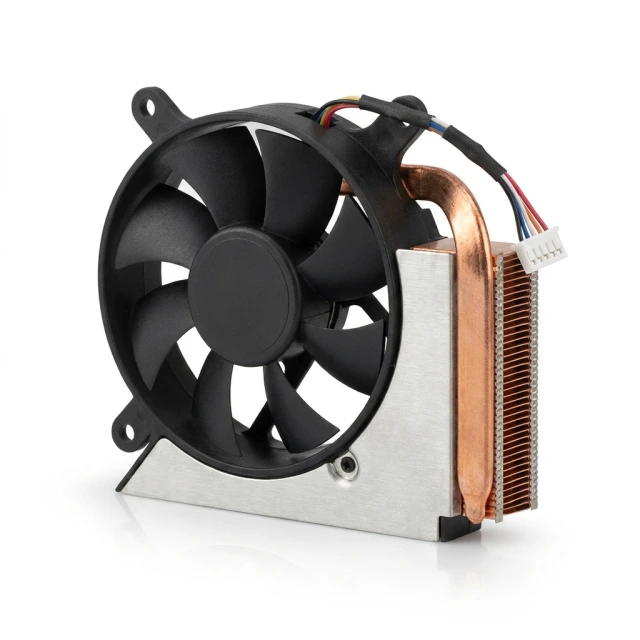
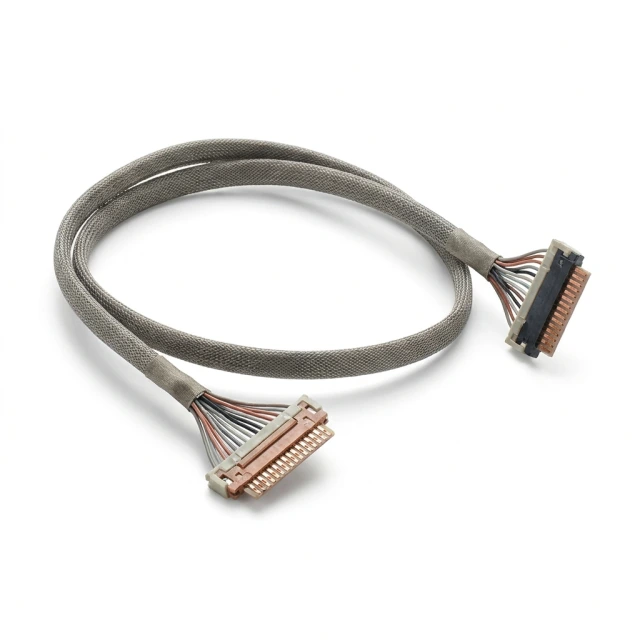
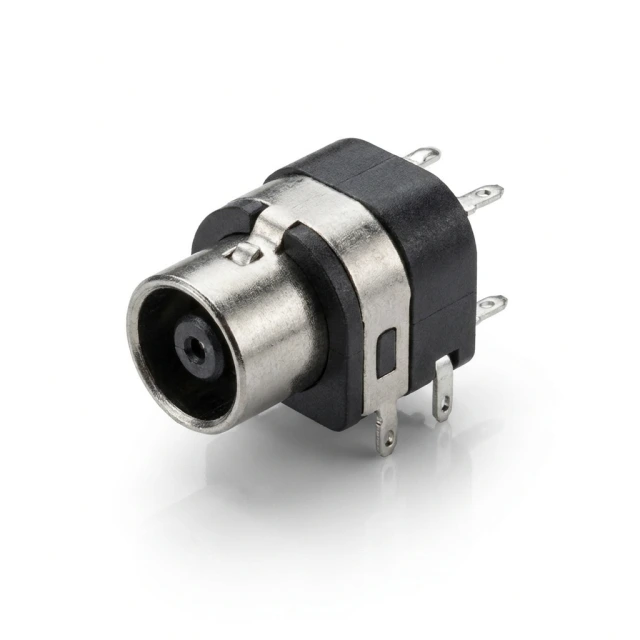
Laptop accessories cover everyday items such as bags, sleeves, stands, folding tables, cooling pads, chargers, screen protectors and webcam covers. The category also has sections for MacBook accessories and replacement components, including batteries, keyboards, LCD displays, fans, screen cables and power jacks. Brands represented include Extra Digital, Tech-Protect, HP, Guess, Dell, Tomtoc, Lenovo and Acer. These product types address different needs, from carrying a laptop to setting it up on a desk or locating a part for a specific device.
How to choose laptop accessories
Start with the intended use: carrying, positioning, charging, screen privacy or replacing a component. Compare a bag or sleeve’s listed size with your laptop’s dimensions; examples include a 13-inch sleeve and a 15.6-inch bag. Check the supported laptop size when considering a cooling pad, too. For a charger, match the connector and required electrical specifications to the laptop. A replacement battery, display or internal component requires a match with the exact laptop model and the part being replaced, not just the manufacturer’s name.
- Laptop bags and sleeves: Choose the carrying format you need and check the stated size against the laptop’s dimensions.
- Stands and laptop tables: These provide a place to position a laptop. Folding and adjustable tables appear among the product types in this category.
- Cooling pads: Check the intended laptop size before choosing a cooling pad; a 17-inch option is among the listed examples.
- Chargers and adapters: Check the connector and electrical specifications even when a laptop charger is described as universal.
- Screen and camera accessories: Match a screen protector or privacy filter to the screen, and consider webcam position when choosing a cover.
- Replacement parts: Batteries, keyboards, displays, fans, screen cables and power jacks should be checked against the exact laptop model.
For everyday transport, explore laptop bags and sleeves. Stands and cooling pads address desk use, while chargers and the separate replacement-part sections help narrow a search for a compatible item. MacBook accessories have their own section.
Frequently Asked Questions
How do I choose the right laptop bag size?
Compare the laptop bag’s stated size with your laptop’s dimensions. Screen diagonal alone does not confirm that the laptop will fit.
Will a universal laptop charger work with every laptop?
A universal laptop charger still needs a connector and electrical specifications that match the specific laptop. “Universal” does not establish compatibility with every model.
What is the difference between a laptop stand and a cooling pad?
A laptop stand positions the device, while a cooling pad is intended for cooling. Check the laptop size supported by either accessory.
How do I find a compatible laptop replacement part?
Match a laptop battery, screen or fan to the exact device model and the part being replaced. A matching laptop brand alone is not enough.