

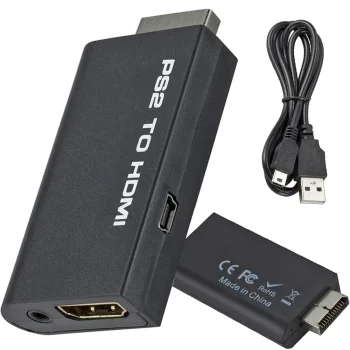
PS2 to HDMI audio adapter for PlayStation 2 gaming, black
In stock
6.80 €
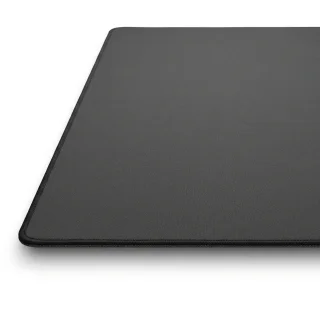
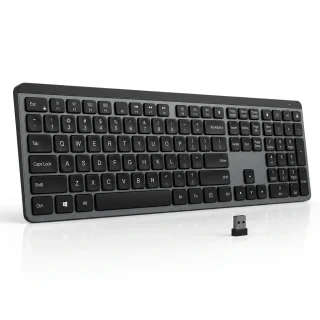
Computer accessories include mice, keyboards, desk mats, cables and adapters for your setup. Use a mouse mat for a dedicated surface or a desk mat that fits both your mouse and keyboard. For connecting several devices to a laptop, look at USB hubs and docking stations.
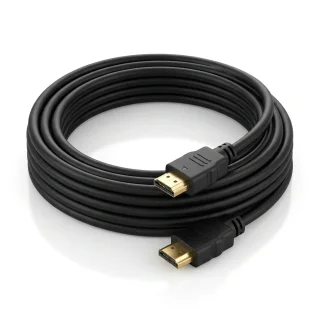
Connecting a display. Start with the video output on your computer and the input on your monitor when choosing an HDMI or DisplayPort cable. If the ports differ, look for an adapter that carries the signal in the right direction, from the computer to the display. Allow enough cable length for the route behind or around your desk.
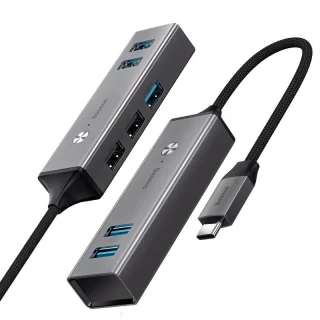
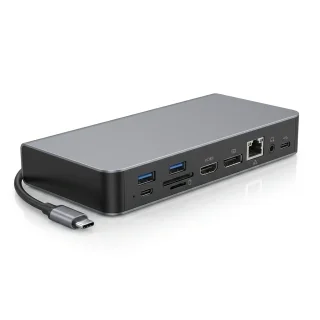
Adding ports and power. If you run out of USB ports, choose a hub based on how many devices you plug in at once. If you also connect a monitor at your desk, consider a docking station with the video output you need. For wired networking, look for a USB-to-RJ45 adapter; for several devices that need mains power, look for a power strip with enough sockets.
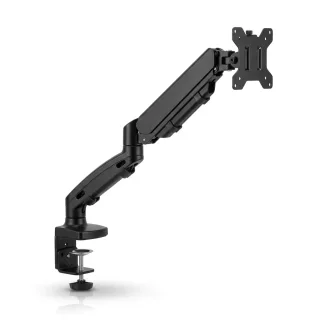
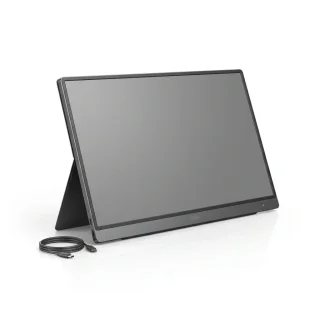
Setting up your screen. A stand gives your monitor a place on the desk, while a mount secures it in position. Choose a mount that matches the monitor’s mounting points and can support its weight. A portable monitor is an option if you want a second screen you can take with your laptop.
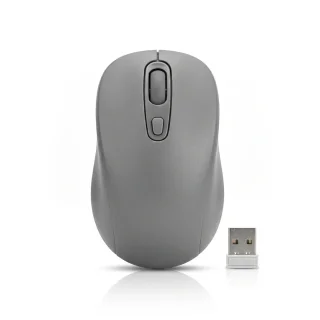
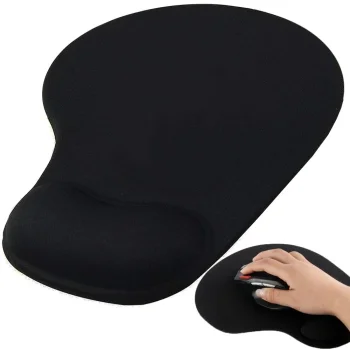
Keeping the desk clear. A wireless mouse removes one cable from the work surface. If you spend much of the day typing, a separate keyboard wrist rest gives your wrists somewhere to rest during pauses.
+371 20408041
info@motivs.lv
Duntes 56, Rīga, LV-1005, Latvija
Monday: 10:00 - 19:00
Tuesday: 10:00 - 19:00
Wednesday: 10:00 - 19:00
Thursday: 10:00 - 19:00
Friday: 10:00 - 19:00
Saturday: Closed
Sunday: Closed



 Gudri pirkumi vienuviet