Free delivery to Latvijas Pasts parcel lockers from 35 €
0

Graphic tablets

73 products

Graphics tablets provide a precise drawing surface and pen pressure sensitivity—perfect for digital illustration, photo retouching, and graphic design. This category includes entry-level tablets, professional pen displays and portable models with active pens and customizable controls. Browse by active area, pressure levels and connectivity to find a tablet that matches your workflow and creative needs.
-30%

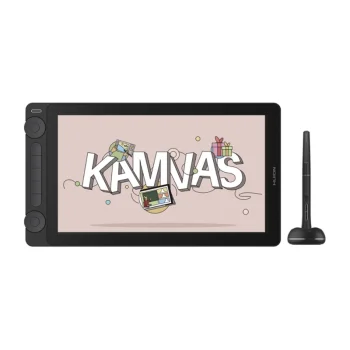
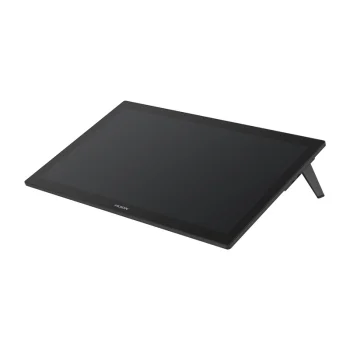
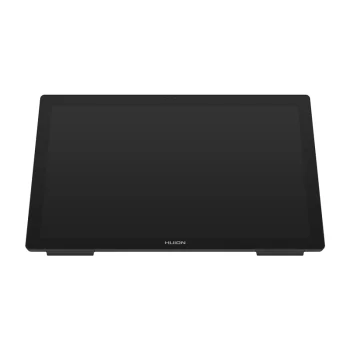
Graphics Tablet Huion Kamvas Studio 24 KS2401 24" QHD i7-12700F 32GB 1TB SSD GTX 1650 Black
Extra Digital
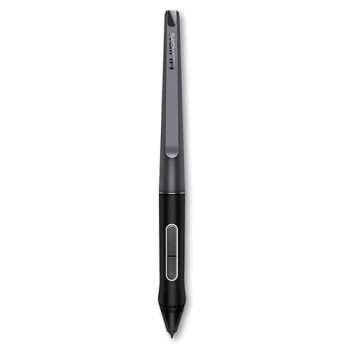
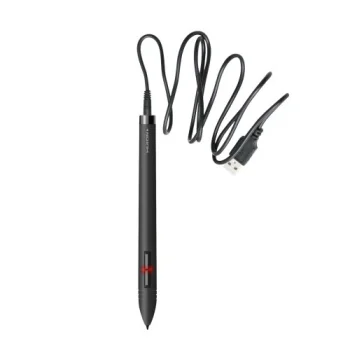
Graphics Tablet Pen Huion P80 Rechargeable Stylus, Black
Extra Digital
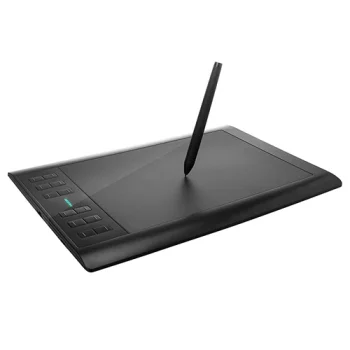
Huion 1060 Inspiroy Plus Graphics Tablet
Extra Digital
New

-23%

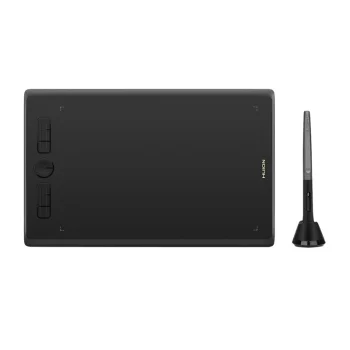
Huion H610X Graphics Tablet with Battery-Free Pen PW100, Black
Huion

-12%

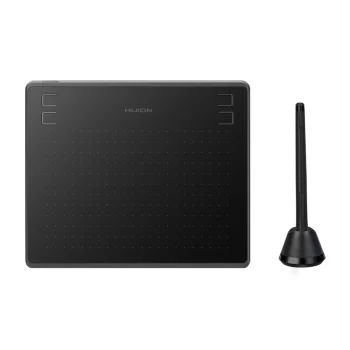
Huion HS64 Graphics Tablet, 8192 Pressure Levels, Black
Extra Digital

-22%

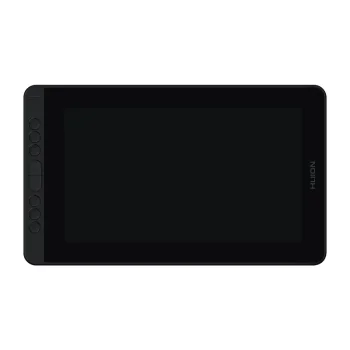
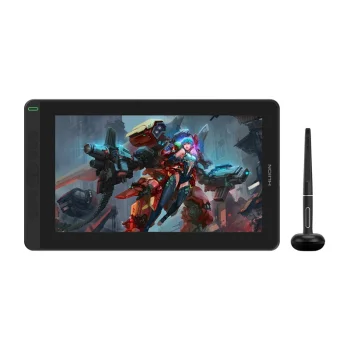
Huion Kamvas 12 GS1161 Graphics Tablet, 11.6" Full HD IPS
Huion

-6%

Huion Kamvas 13 Gen 3 GS1333 13.3" Pen Display Graphics Tablet
Extra Digital

-9%

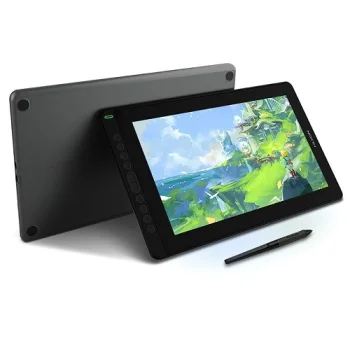
Huion Kamvas 13 GS1331 Graphics Tablet with Screen, Black
Extra Digital

-4%

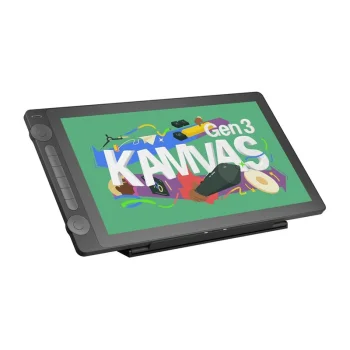
Huion Kamvas 16 GEN 3 GS1563 Graphics Tablet
Extra Digital
New
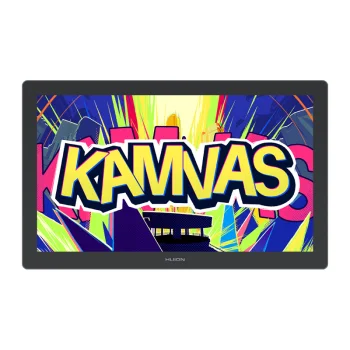
Huion Kamvas 22 Gen 3 (GS2203) Graphics Tablet, Gray
Huion

-7%

Huion Kamvas 24 Plus GS2402 23.8" 2.5K QHD Graphics Tablet, Dark Gray
Extra Digital

-12%

Huion Kamvas Pro 13 (2.5K) GT1302 Graphics Tablet
Huion

-12%

Huion Kamvas Pro 13 GT133 Pen Display Graphics Tablet
Extra Digital
New

-5%

Huion Kamvas Pro 16 (2.5K) GT1602 Graphics Tablet, Silver Frost
Huion

-4%

Huion Kamvas Pro 16 GT156 15.6" Full HD Graphics Tablet, Silver-Black
Extra Digital
Huion Kamvas Pro 19 GT1902 4K UHD 18.4" Graphics Tablet
Extra Digital
New

-2%

Huion Kamvas Pro 24 Gen 3 GT2402 23.8" 4K UHD Graphics Tablet, Black
Huion
New

-1%

Huion Kamvas Pro 27 144Hz GT2702 4K UHD Graphics Tablet, Black
Huion

-4%

Huion Kamvas Pro 27 GT2701 Graphics Tablet, 27" 4K UHD Drawing Display
Extra Digital
New
Huion Kamvas RDS-160 Pen Display, 15.6" Full HD
Huion
Huion Kamvas Studio 16 KS1601 graphics tablet, 15.8", i7, 16GB, 512GB, Windows 11 Pro, dark grey
Extra Digital
New

-4%

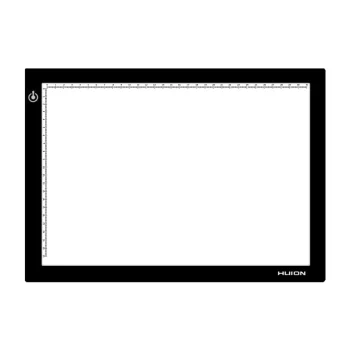
Huion L4S LED Light Drawing Board A4
Huion
Huion PW507 Battery-Free Pen Stylus for Graphics Displays, Black
Extra Digital

-4%

Huion Q620M Graphics Tablet, 2.4G Wireless & USB-C
Huion

-16%

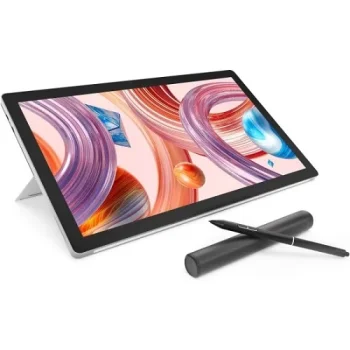
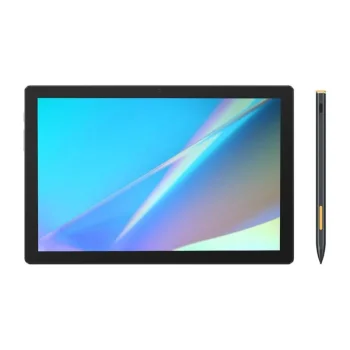
Huion Slate 10 10.1" Graphics Tablet 8 GB / 128 GB with HS200 Stylus, Gray
Huion
New
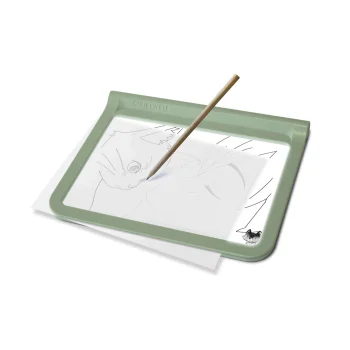
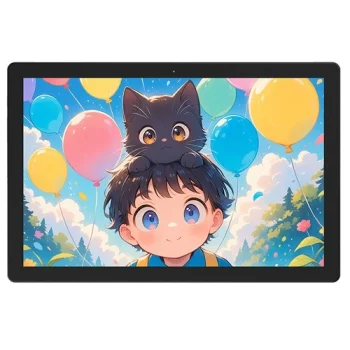
Kidywolf Kidydraw-Pro Light Tablet Green
Kidywolf
New
Pen Display BOSTO BT-101A
BOSTO CO LIMITED
New
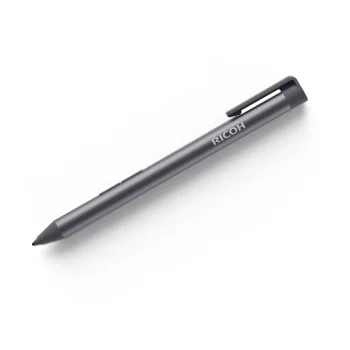
Ricoh Monitor Stylus Pen Type 1 Grey
Ricoh
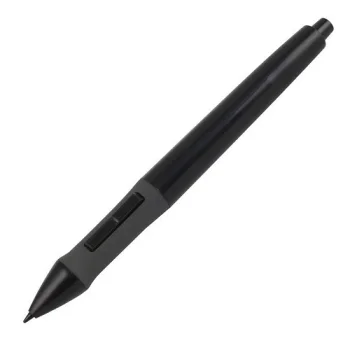
Stylus Pen Huion P68 for Graphics Tablets, 2048 Levels, Black
Extra Digital
New
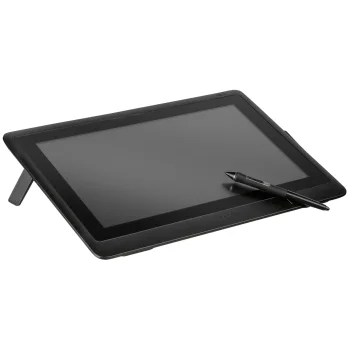
Wacom Cintiq 16 Graphic Tablet Black
Wacom
New
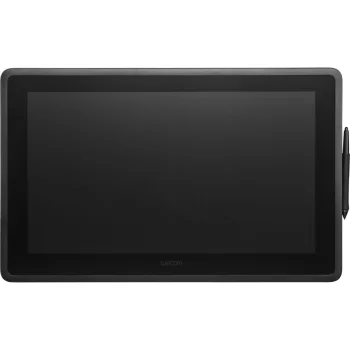
Wacom Cintiq 22 Creative Pen Display (DTK2260K0A)
Wacom
New
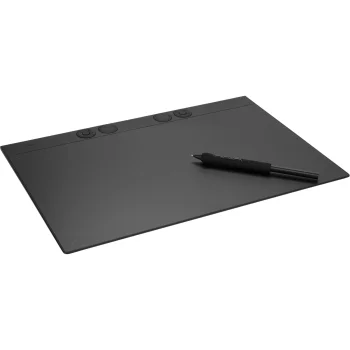
Wacom Intuos Pro Large Graphics Tablet Black
Wacom
New
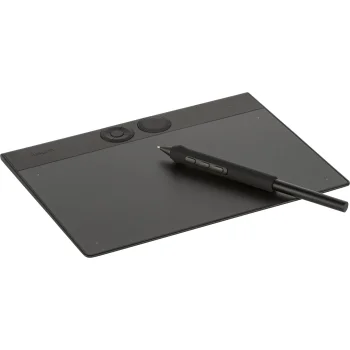
Wacom Intuos Pro Small Pen Tablet, Black
Wacom
New
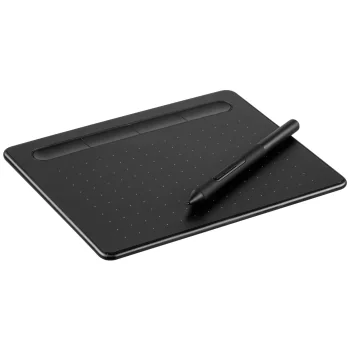
Wacom Intuos S Graphic Tablet Black (CTL-4100K-N)
Wacom

-8%

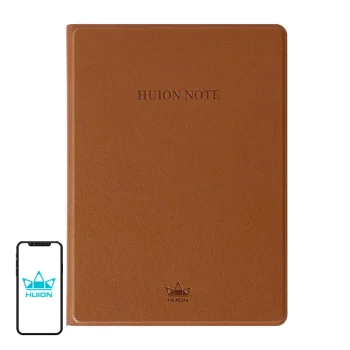
Wireless Graphic Tablet and Digital Notebook Huion Note X10, Bluetooth 5.0, Brown
Extra Digital
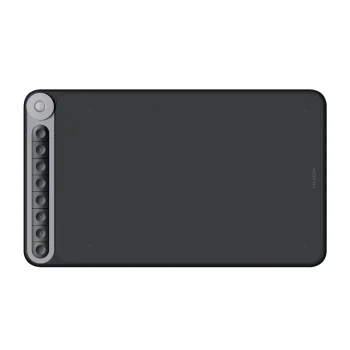
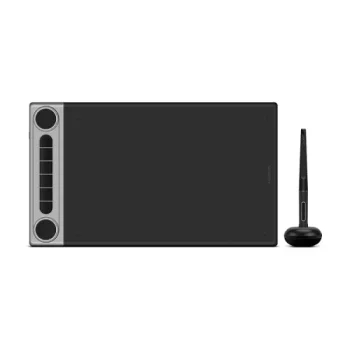
Wireless Graphic Tablet HUION Inspiroy Dial 2, Bluetooth
Extra Digital


Graphics tablets are tools for anyone working with digital imagery—from hobbyist sketchers to professional illustrators and photo editors. The category includes pen tablets (without a screen), pen displays (with integrated screens), and compact portable tablets for on-the-go use. Some models offer programmable buttons, touch rings, and multi-touch surfaces to speed up common actions.

Common use cases: home illustration, studio photo retouching, concept art, vector design in the office, online classes and workshops, and mobile work while traveling. Pen displays are useful when you want to draw directly on the image, while non-display tablets often offer more affordable options with high precision and pressure sensitivity.

Key features to consider: pressure sensitivity (commonly from 2048 up to 8192 levels), pen accuracy and tilt recognition, active area size, resolution and report rate, connectivity options (USB-C, Bluetooth), and software compatibility (Photoshop, Illustrator, Procreate via supported devices, Clip Studio Paint, etc.). Some tablets include replaceable nibs, left-handed settings, and multi-device pairing.

How to choose the right tablet: beginners benefit from a medium-sized tablet with solid pressure sensitivity and broad software support. Professionals may prefer a larger active area or a pen display with high color accuracy. For travel choose a lightweight, battery-free pen option with wireless connectivity. Always check driver availability and OS compatibility before purchasing.

  • High pen pressure sensitivity and accurate tracking
  • Varied active area sizes—from compact to studio-scale
  • Wireless options (Bluetooth) and USB-C connectivity
  • Customizable shortcut buttons and touch controls
  • Compatibility with major creative applications
  • Pen displays for direct on-screen drawing

Frequently Asked Questions

With careful use, a graphics tablet can last many years. Avoid strong impacts and exposure to liquids. For pen displays, protect the screen from scratches with a screen protector and store the device in a safe place when not in use.
Most tablets support major software like Adobe Photoshop, Illustrator, and Clip Studio Paint. Check the manufacturer's compatibility list and driver support to ensure full functionality such as pressure sensitivity and tilt in your chosen programs.
Clean the surface with a soft, dry or slightly damp cloth and avoid abrasive cleaners. Store the stylus in its holder, replace nibs when worn, and keep drivers up to date to maintain performance and compatibility.
Yes—there are durable, easy-to-use models for children and compact tablets suited for travel. For kids, consider robust designs and parental supervision to avoid accidental damage.