
Computer Peripherals
Computer peripherals and accessories for every setup: keyboards and mice, headsets and webcams, speakers, USB hubs and docking stations, cables and adapters, sleeves and bags. Build a workspace that’s comfortable for calls, study, gaming, and creative work.
Pick wired gear for rock‑solid stability or go wireless for a tidy desk and travel‑friendly flexibility. Enjoy ergonomic shapes, precise DPI, clear microphones, and crisp 1080p/4K video—browse and discover what fits your daily routine.

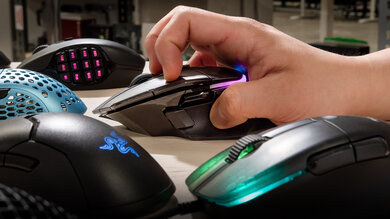
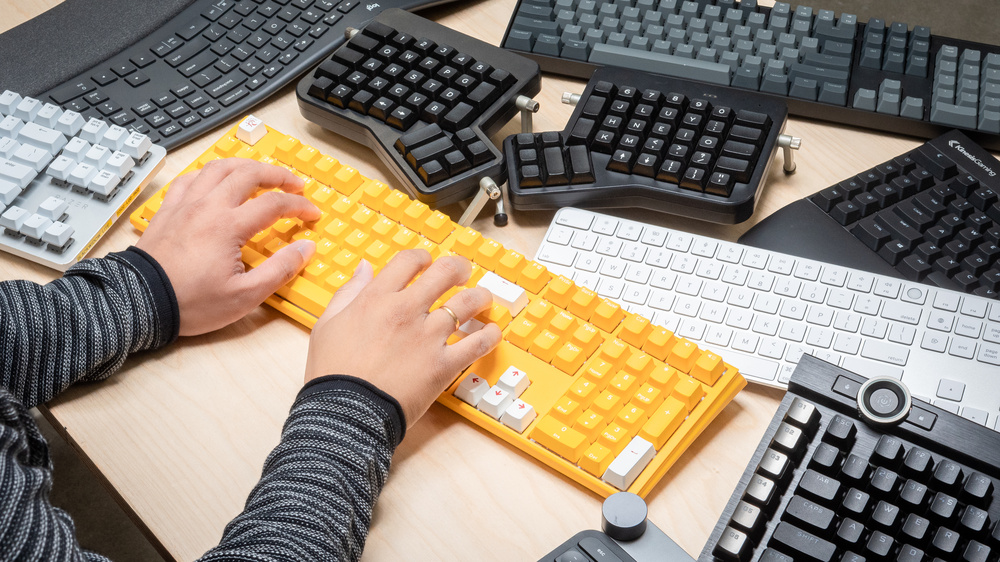
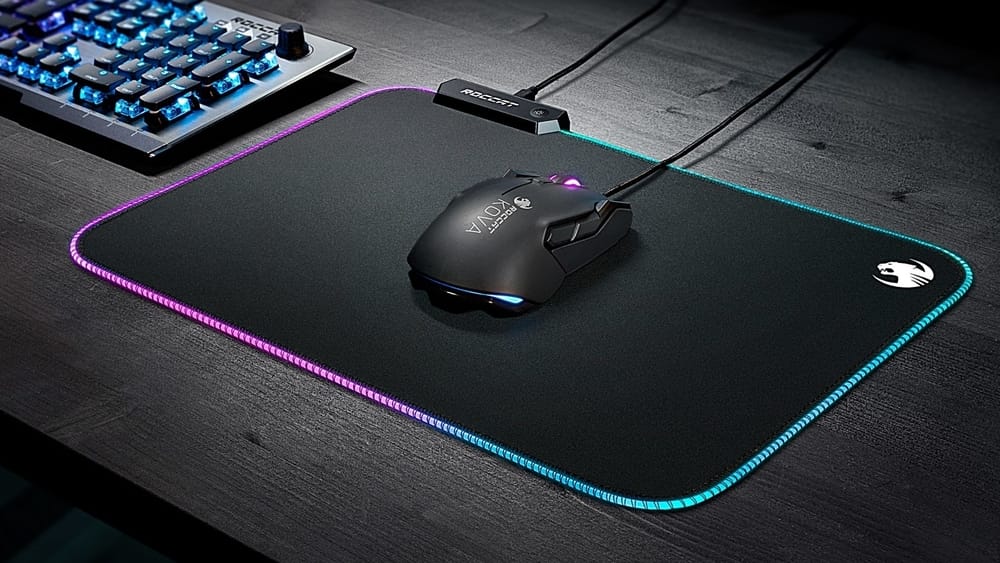

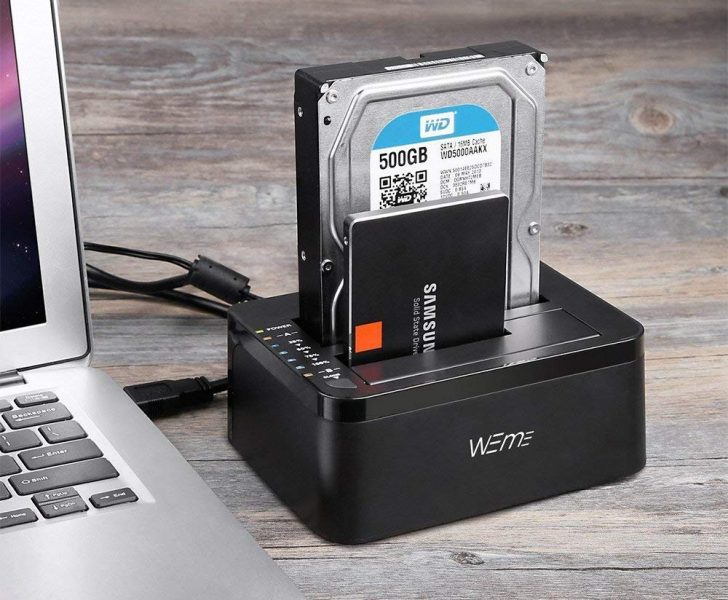
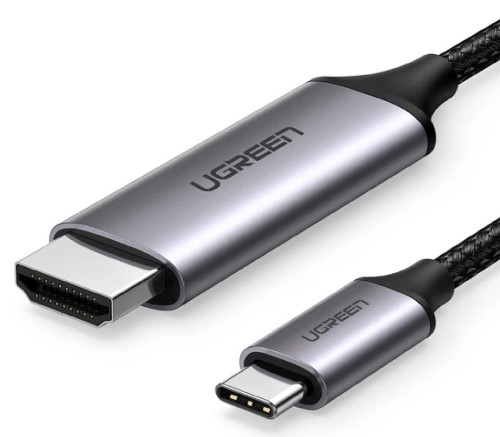
Our Computer Peripherals and Accessories category brings together the essentials that make your day at the desk smoother and more productive. Explore keyboards (mechanical or membrane, full‑size, TKL, and compact 60%), mice with adjustable DPI and ergonomic contours, headsets with clear microphones for video calls, 1080p/4K webcams, speakers and external sound cards. Expand connectivity with USB hubs, docking stations, cables, and adapters, and refine your desk with mouse pads, desk mats, surge protection, plus sleeves and bags for laptops and accessories.
Whether you’re setting up a home office, studying remotely, collaborating on video meetings, streaming or gaming, traveling, or choosing a practical gift, the right peripherals make a tangible difference. Wired devices offer maximum stability and low latency; wireless models (2.4 GHz dongle or Bluetooth) add freedom of movement and a clean workspace. USB‑C docks can turn a laptop into a full workstation with more ports, networking, and video output, while hubs and adapters bridge USB‑A/USB‑C and display standards when you need quick compatibility.
Focus on the details that matter. For keyboards: switch type (quiet membrane or tactile/mechanical), layout, lighting, and wrist support. For mice: shape and weight, DPI and sensor quality, button placement, and the surface you’ll use. For headsets: sound balance, noise reduction, microphone clarity, and connectivity (3.5 mm, USB, Bluetooth). For webcams: resolution, frame rate, autofocus, and a privacy shutter. For cables: length, standard (USB 3.2, HDMI 2.1, etc.), shielding; and for docks: port selection, Power Delivery wattage, and OS compatibility.
Materials and build quality drive comfort and durability. Fabric mouse pads with rubber bases deliver control and stability; aluminum housings on hubs improve heat dissipation; soft ear cushions and adjustable headbands help you stay comfortable for hours. On the go, compact chargers, foldable keyboards, lightweight wireless mice, and rugged sleeves protect gear without adding bulk. For kids and students, consider robust, simple devices with ergonomic shapes and, for headsets, safe volume limits.
How to choose? Start with your use case. Gamers benefit from fast sensors and programmable buttons; office work calls for quiet typing and a comfy mouse; frequent callers need a clear mic and a good camera; mobile users should prioritize wireless options with long battery life. Always verify compatibility with Windows, macOS, or Linux, check the required ports and standards, and mind cable quality, port count, and a design that integrates well with your desktop.
- Versatile connectivity: USB‑A/C, 2.4 GHz, and Bluetooth
- Ergonomic shapes and sizes for long‑term comfort
- Clear microphones and balanced audio for calls
- 1080p/4K webcams with autofocus and privacy shutters
- Choice of mechanical or quiet membrane keyboards
- Compact, travel‑ready options for study and work
- Reliable cables, adapters, hubs, and docking stations