
- Gifts & Party Decorations
- Phone Accessories
- Photo & Video
- Computers & Electronics
- Sports & Fitness
- Beauty & Health
- Car & Motorcycle Accessories
- Bicycle Accessories
- Home & Living
- Garden & Outdoor
- Baby & Kids Products
- Games, Hobbies & Leisure
- Travel & Outdoor Activities
- Pet Supplies
- Discounted Items & Products with Defects
Video Cables and Adapters
Video cables and adapters include HDMI and DisplayPort cables, HDMI, VGA, Mini DisplayPort and Micro HDMI adapters, signal converters, and HDMI-to-USB video capture cards, with products from Ugreen and Wozinsky. They suit connections between a computer and a display or devices with different video ports. Match the source and destination connectors, check signal direction, and choose a cable length that fits the setup.
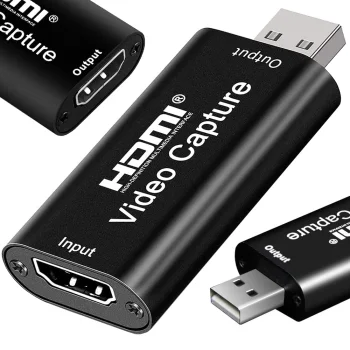
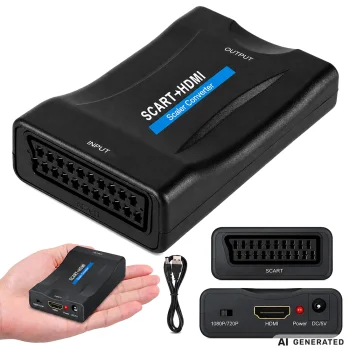
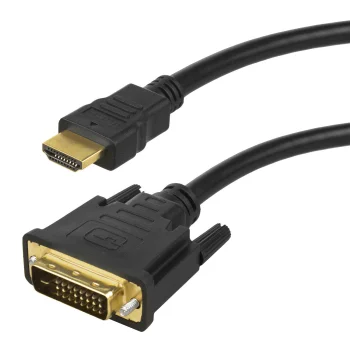
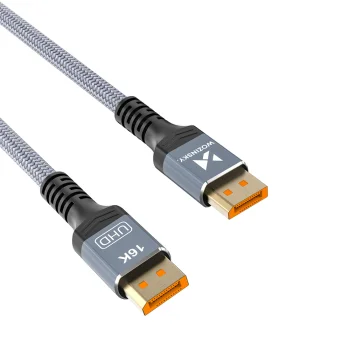
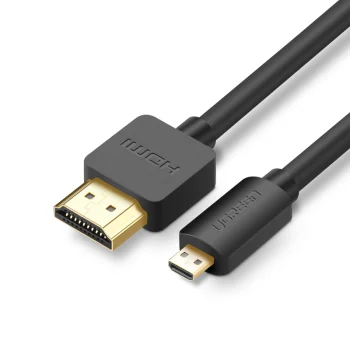
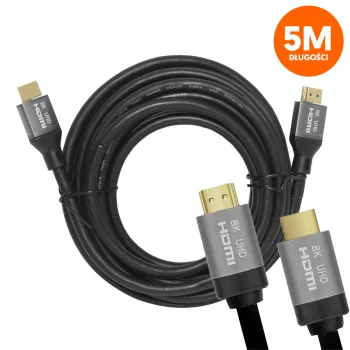
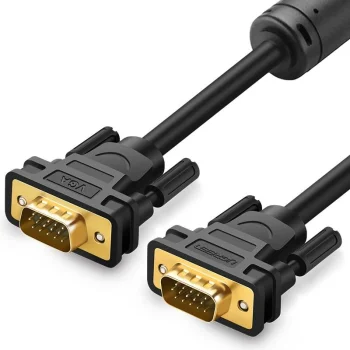
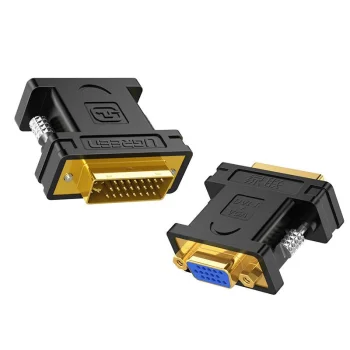
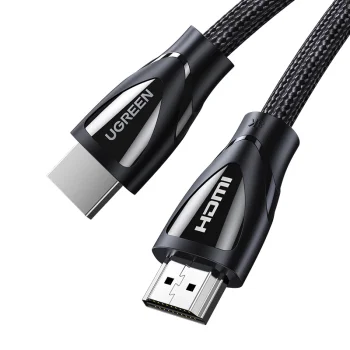

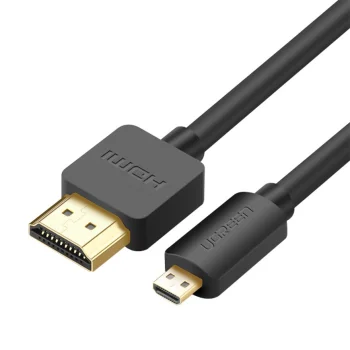
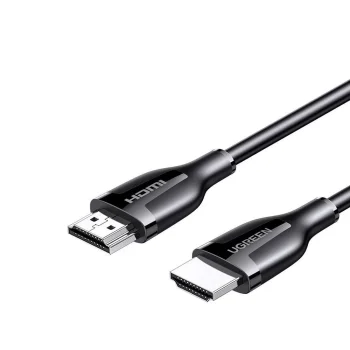
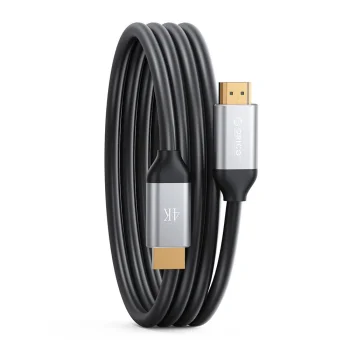
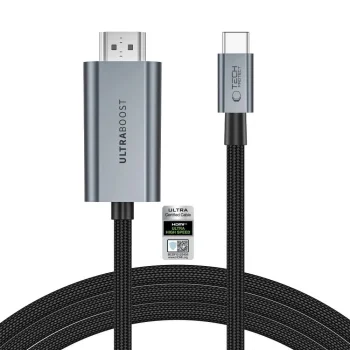
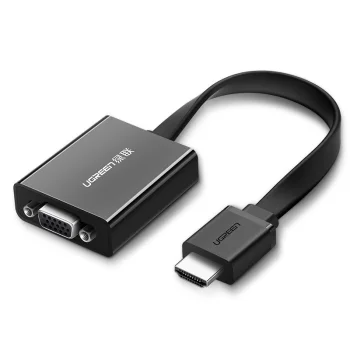
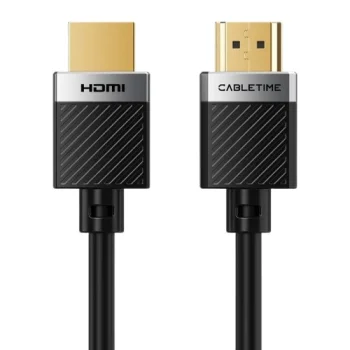
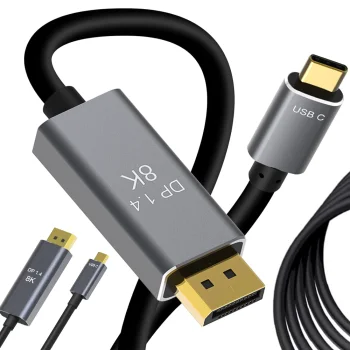
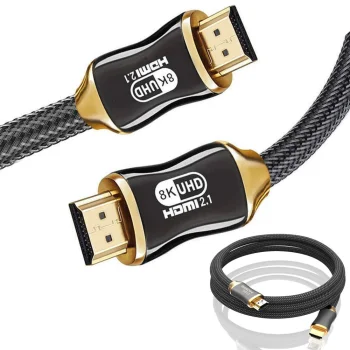
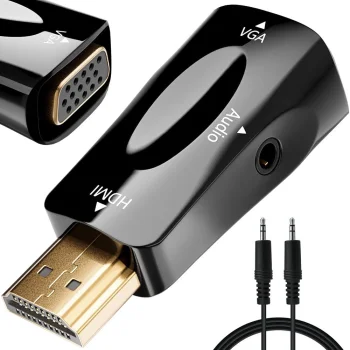
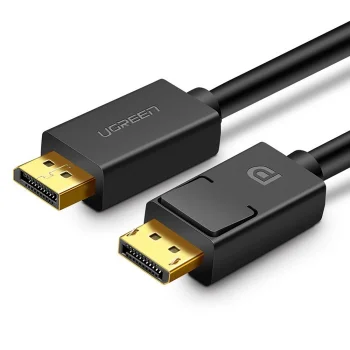
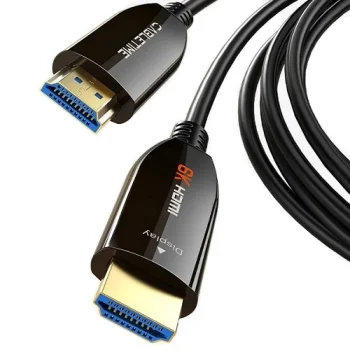
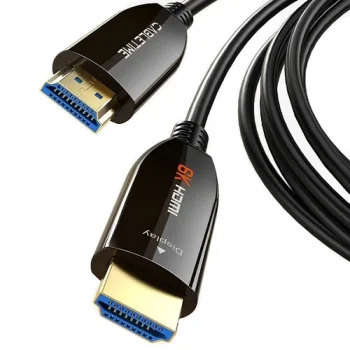
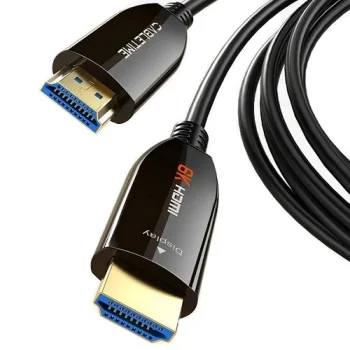
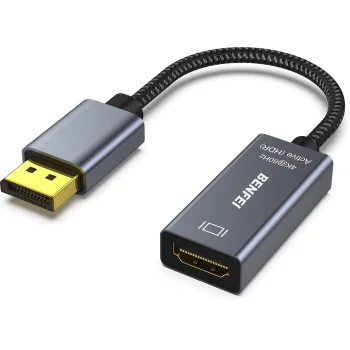
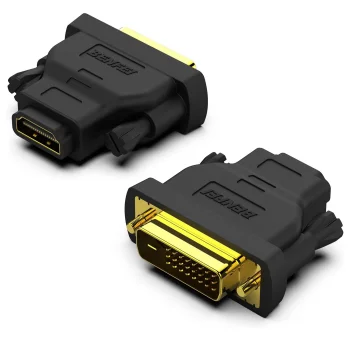
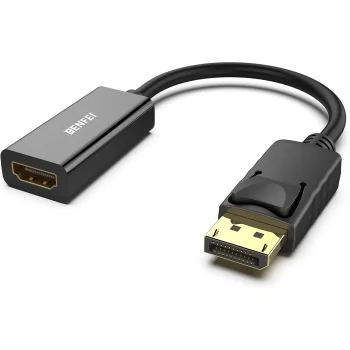
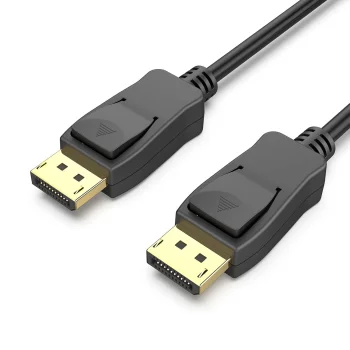
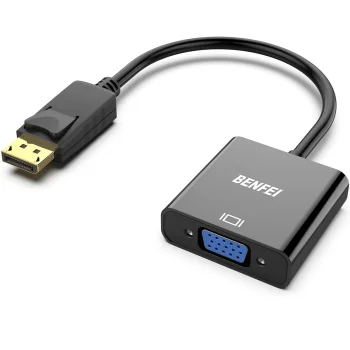
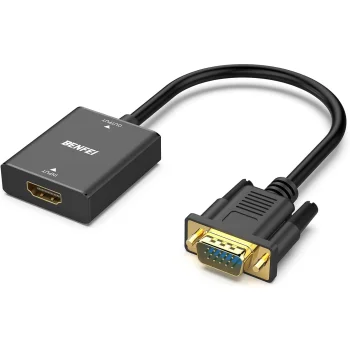
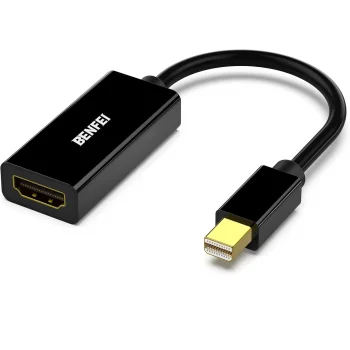
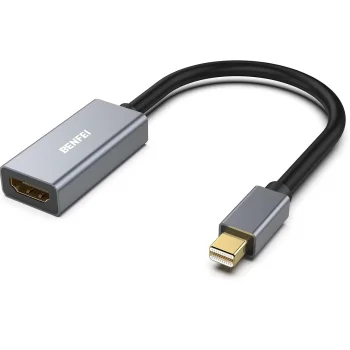
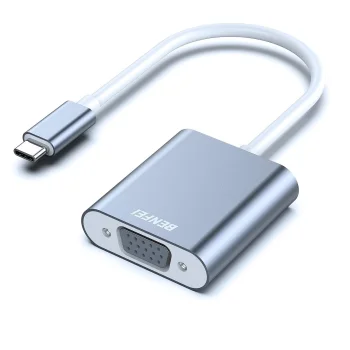
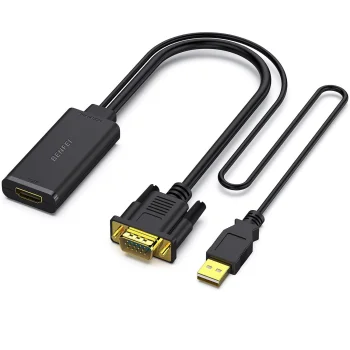
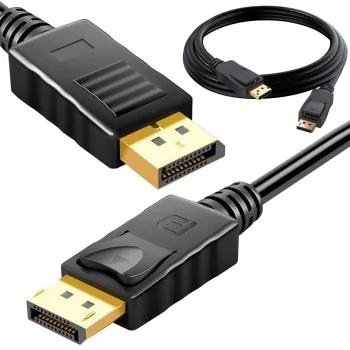
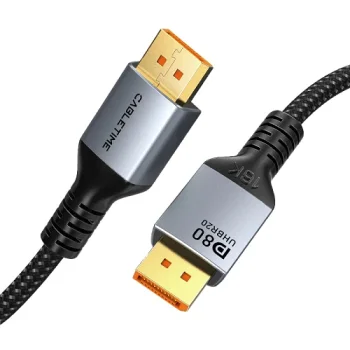
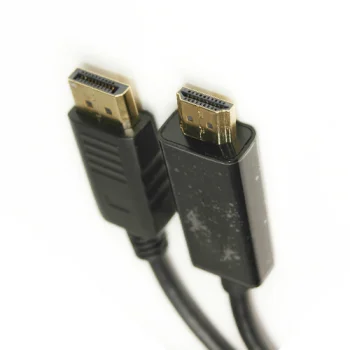
Video cables and adapters cover connections using HDMI, DisplayPort, VGA and other video ports. The category includes HDMI and DisplayPort cables, Mini DisplayPort to HDMI and HDMI to Micro HDMI adapters, plus adapters between DisplayPort, HDMI and VGA. AV RCA to HDMI and SCART to HDMI converters address connections involving different signal types. HDMI-to-USB video capture cards serve a separate purpose: bringing a video signal into a USB-connected device. Brands represented include Ugreen, Wozinsky, Orico and Benfei.
How to choose video cables and adapters
Start by identifying the output on the source device and the input on the display or capture device. Check the exact connector name rather than assuming that HDMI, Micro HDMI and Mini DisplayPort fit the same socket. For an adapter or converter, inspect both the plug and socket and confirm the stated signal direction: DisplayPort to HDMI does not necessarily work from HDMI to DisplayPort. When selecting a cable, consider the distance between devices and the specifications listed for that particular cable. An adapter with a micro USB connection or a 3.5 mm audio socket may require additional consideration if those connections matter to your setup.
- HDMI cables: Connect devices with suitable HDMI ports at both ends. Check the required length and the individual cable description.
- DisplayPort cables: Connect corresponding DisplayPort ports. Compare the stated version and video capabilities when these are relevant to the devices.
- HDMI, VGA and DisplayPort adapters: Bridge different connector types. The specified input, output and signal direction determine the intended connection.
- AV RCA and SCART converters: Address connections from those source interfaces to HDMI. They are not interchangeable with a cable for matching ports.
- HDMI-to-USB capture cards: Bring a video signal into a USB-connected device. Choose this type for video capture rather than a simple display connection.
For two matching video ports, a cable with the appropriate connectors and length is the starting point. For different ports, compare adapters and converters by connector type and direction. For recording or capturing video, look at HDMI-to-USB capture cards and check their connections separately from display cables.
Frequently Asked Questions
Will a DisplayPort to HDMI adapter work in reverse?
Check the specified signal direction of a DisplayPort to HDMI adapter. An adapter intended to connect a DisplayPort source to an HDMI input should not be assumed to work from HDMI to DisplayPort.
How is an HDMI cable different from an HDMI-to-USB capture card?
An HDMI cable connects suitable HDMI ports. An HDMI-to-USB capture card brings a video signal into a USB-connected device and serves a different purpose from a display cable.
What should I check when choosing an HDMI to VGA adapter?
Match the HDMI to VGA adapter to the source and display ports, and confirm the signal direction. If audio matters, check the connections specified for the particular adapter.
Are HDMI and Micro HDMI the same connector?
HDMI and Micro HDMI are different connector sizes. An HDMI to Micro HDMI adapter should match the ports on both devices.
What are the most popular 2026 products in category - Video Cables and Adapters
What are the newest products in category - Video Cables and Adapters
- Maclean MCE720B Single HDMI Wall Socket Module, Black
- Newell HDMI 2.1 Cable, 8K 60Hz, 4K 120Hz, 48 Gbps - 2 m, Graphite
- Tech-Protect UltraBoost USB-C to HDMI 2.1 Video Cable 8K 60Hz 300 cm - Gray
- Devia Storm EC084 USB-C to HDMI Cable 4K 60 Hz 2.0 m Black
- Minix NEO-H1 Wireless HDMI Video Transmitter and Receiver, 1080p, 50m