
- Gifts & Party Decorations
- Phone Accessories
- Photo & Video
- Computers & Electronics
- Sports & Fitness
- Beauty & Health
- Car & Motorcycle Accessories
- Bicycle Accessories
- Home & Living
- Garden & Outdoor
- Baby & Kids Products
- Games, Hobbies & Leisure
- Travel & Outdoor Activities
- Pet Supplies
- Discounted Items & Products with Defects
Tablet LCD screens and touch digitizers
Tablet LCD screens in this category include touch digitizers, touch panels and front sets for Apple iPad models, with TFO and Extra Digital among the brands. These parts suit shoppers replacing the touch-sensitive front component of a specific iPad. Check the exact model or generation, screen size and item description before choosing, since a touch digitizer should not be assumed to include an LCD display.
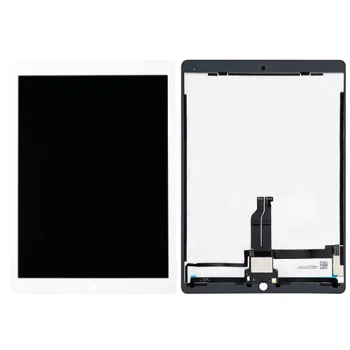
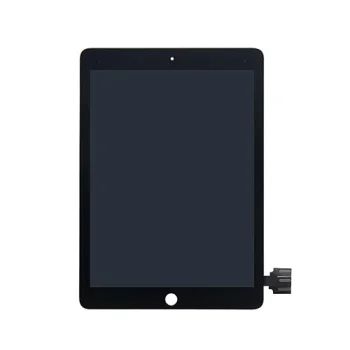
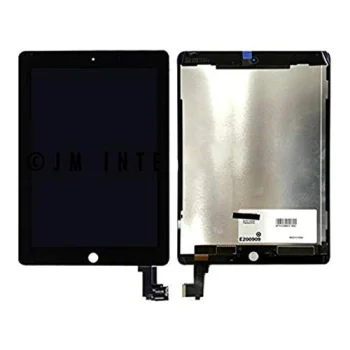
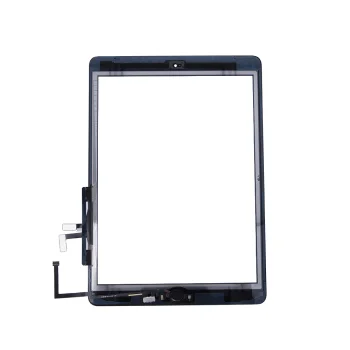
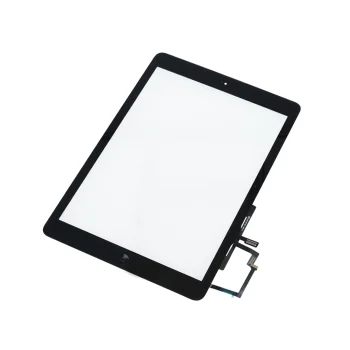
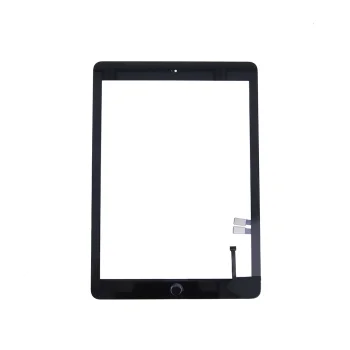
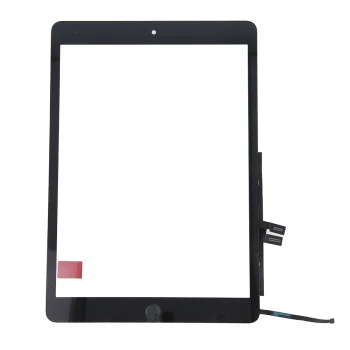
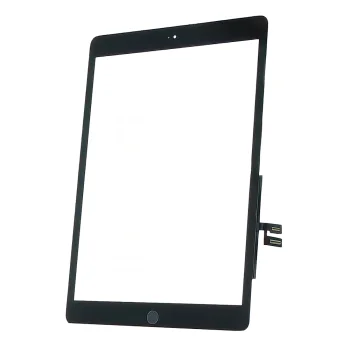
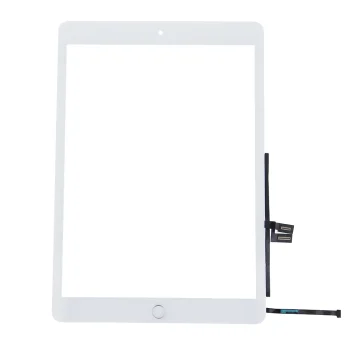
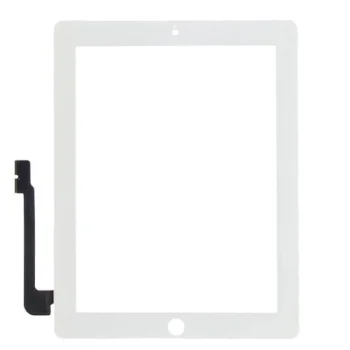
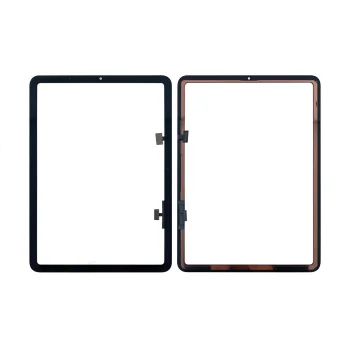
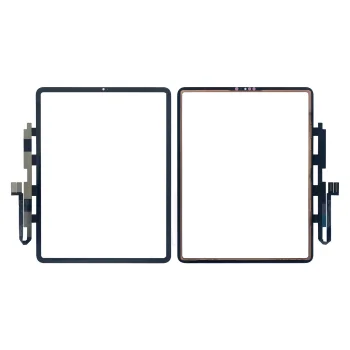
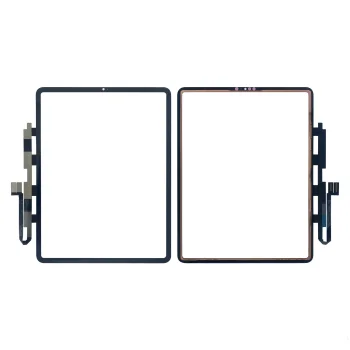
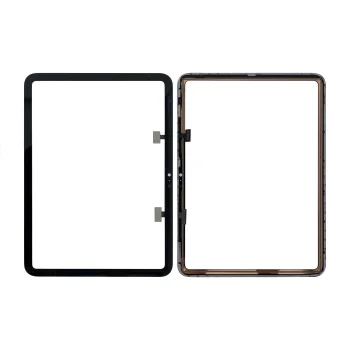
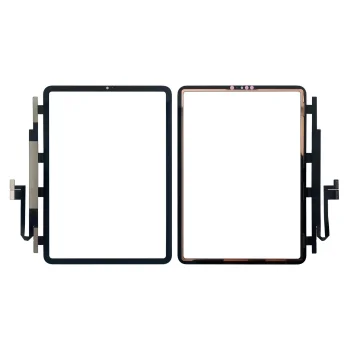
Tablet LCD screens in this category are represented by touch screen digitizers, touch panels and items described as full front sets for Apple iPad. The listed models include iPad 3, iPad 6, iPad 9, iPad 10, iPad Air and iPad Pro. TFO and Extra Digital are among the brands. Product names use terms such as “touch screen digitizer” and “full front set”, which describe different ways a front part may be listed. Despite the category name, a listing for a touch digitizer does not by itself confirm that an LCD image display is included.
How to choose tablet LCD screen and touch digitizer parts
Identify the exact iPad model before comparing parts. Check its generation, year and screen size against the details in the product name. For example, an iPad 6 part is listed for the 9.7-inch 2018 model with identifiers A1893 and A1954. iPad Pro parts are listed for both 11-inch and 12.9-inch versions, with different generations specified. A match on “iPad Pro” alone is therefore not enough. Check whether the item is called a touch glass, touch panel or full front set, and compare the stated colour when one is given. If the damaged component is the image display rather than the touch-sensitive surface, verify the contents of the individual item instead of relying on the category heading.
- Touch digitizers: Digitizer parts are listed for models including iPad 3 and iPad Air 5. Match the full model details, not just the iPad family name.
- Touch panels: Panel listings include iPad 6, iPad 10 and iPad Pro models. The specified generation helps distinguish similar names.
- Full front sets: Some TFO items for iPad 9 and first-generation iPad Air use this description. Check the individual item for its stated contents.
- Screen size: iPad Pro 11-inch and 12.9-inch parts are identified separately. Compare the size before choosing a front part.
- Colour: First-generation iPad Air front parts are listed in black and white. Match the colour if it matters for the replacement.
For an iPad touch-panel replacement, use the model designation, generation and size to narrow down the appropriate part. If an LCD image panel is needed, confirm that the specific product includes it; a touch digitizer listing alone does not establish that.
Frequently Asked Questions
How do I check whether an iPad 6 digitizer fits my tablet?
For the listed iPad 6 digitizer, compare the 9.7-inch size, 2018 year and model identifiers with your device. The TFO listing specifies A1893 and A1954.
Does an iPad touch digitizer include the LCD display?
An iPad touch digitizer listing does not by itself confirm that an LCD image display is included. Check the contents stated for the specific item if the image display needs replacing.
What matters when choosing an iPad Pro touch panel?
For an iPad Pro touch panel, match both the generation and screen size. Parts are listed for 11-inch and 12.9-inch iPad Pro models.
Are first-generation iPad Air front parts listed in different colours?
First-generation iPad Air front parts from TFO are listed in black and white. Check the generation as well as the colour.
What are the most popular 2026 products in category - Tablet LCD screens and touch digitizers
What are the newest products in category - Tablet LCD screens and touch digitizers
- TFO Touch Screen Digitizer Panel for iPad 9 10.2" 2021 Full Front Set, Black
- Touch Screen Digitizer for iPad Pro 12.9 (6th Gen, 2022)
- Touch Screen Digitizer for iPad Pro 12.9" 5th Gen 2021, Black
- Touch Screen Digitizer Panel for iPad Pro 11" 4th Gen (2022)
- Touch Screen Digitizer for iPad Air 5 2022, Black