Tasuta tarne Latvijas Pasts pakiautomaatidesse alates 35 €
0

microSD mälukaardid failide salvestamiseks

132 kaupa

Micro SD memory cards are compact storage solutions for phones, cameras, drones and tablets, offering extra space for photos, videos and apps. Available in various capacities and speed classes, they suit everyday backups, travel, and professional recording. Browse options from economical expansion cards to high-performance UHS and A-class models for smooth 4K capture and faster app performance.
-25%

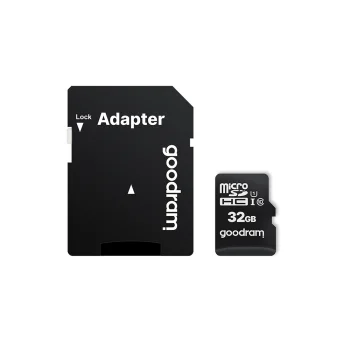
32GB MicroSDHC Memory Card GoodRam Class 10 UHS-I with Adapter, black
Goodram
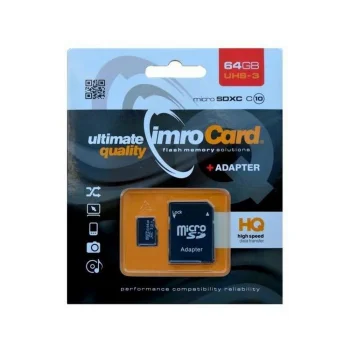
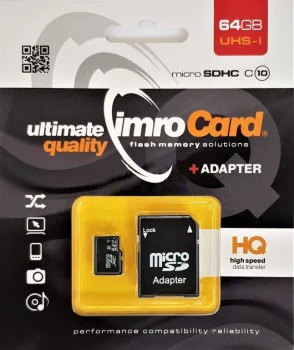
Imro 64GB microSDXC Class 10 UHS-I Memory Card with Adapter, Black
Imro
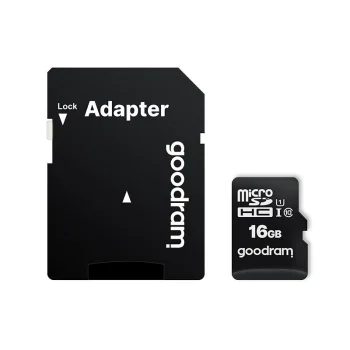
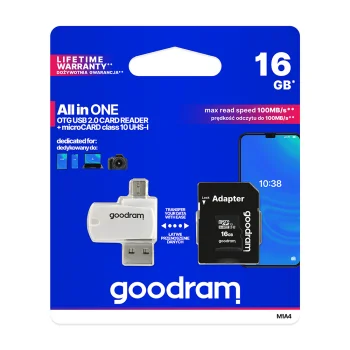
Goodram 16 GB microSDHC Memory Card (U1 100MB/s read)
Goodram

-18%

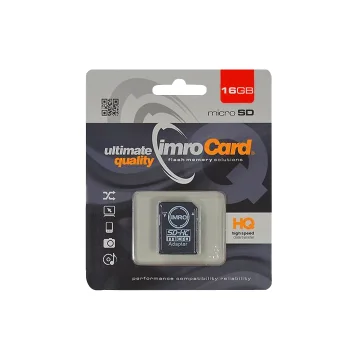
Imro microSDHC Memory Card 16 GB Class 6 with Adapter
Imro
Uus

-20%

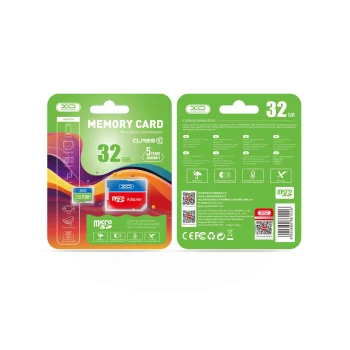
XO 32GB microSDHC Class 10 Memory Card with Adapter, Green
XO
Uus

-47%

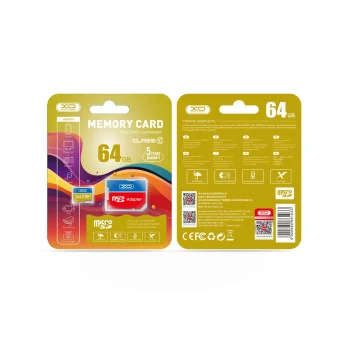
XO 64GB microSDXC Class 10 Memory Card with Adapter, Yellow
XO

-18%

Goodram 16 GB microSDHC Memory Card (U1 100MB/s read) with Reader
EnimmüüdudUus
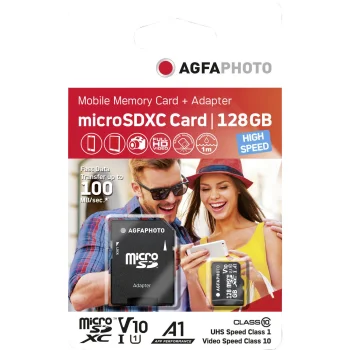
AgfaPhoto 128GB MicroSDXC UHS-I Memory Card U3 V30 A1 with Adapter
AgfaPhoto

-37%

Imro 64GB microSDXC Class 10 UHS-3 Memory Card with Adapter
Imro
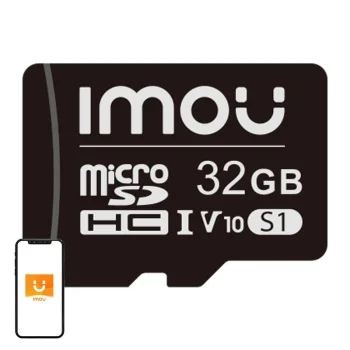
Imou ST2-32-S1 microSD Memory Card 32GB UHS-I SDHC V10
Imou
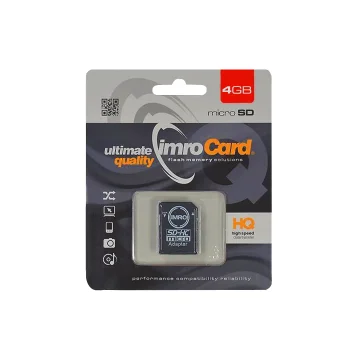
Imro 4 GB Class 10 microSDHC Memory Card with SD Adapter, Black
Imro
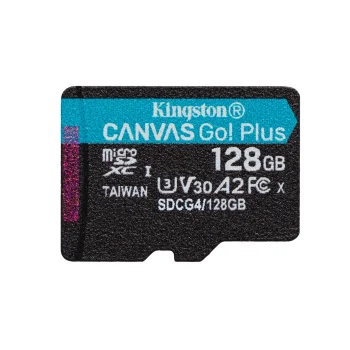
Kingston Canvas Go! Plus 128GB Memory Card 200MB/s UHS-I U3 V30 A2
Kingston
Kingston Canvas Go! Plus 128GB microSDXC Memory Card 200MB/s + Adapter
Kingston
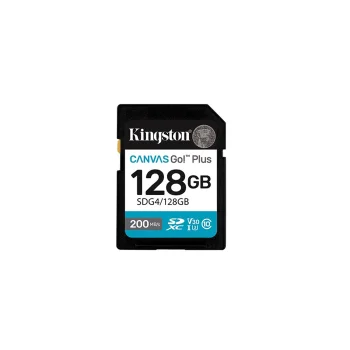
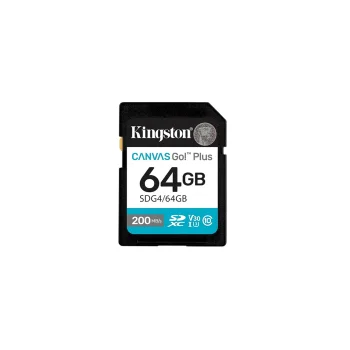
Memory Card Kingston 64GB SDXC Canvas Go Plus 200MB/s UHS-I V30, black
Kingston
Uus
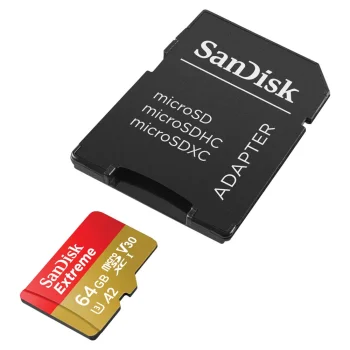
SanDisk Extreme 64GB microSDXC Memory Card U3 V30 A2
Sandisk
Uus
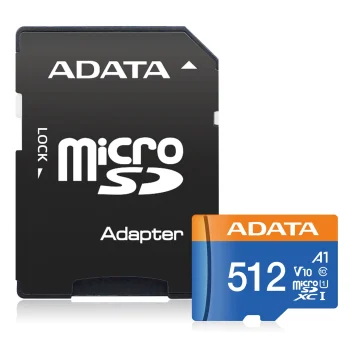
ADATA Premier 512GB microSDXC Memory Card UHS-I Class 10 V10 A1 with SD Adapter
Adata
Uus
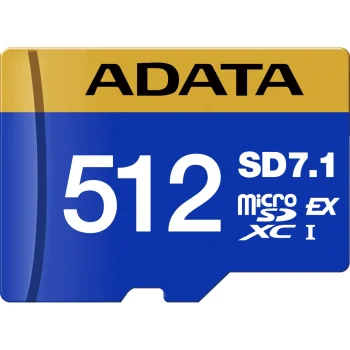
ADATA Premier Extreme 512 GB microSDXC Card SD Express PCIe V30 U3
Adata
Uus
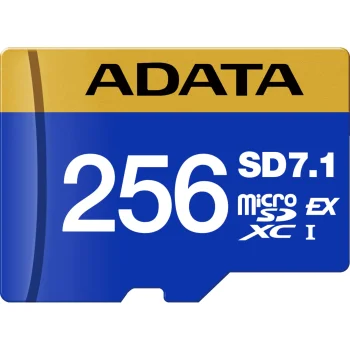
ADATA Premier Extreme microSDXC 256GB SD Express PCIe V30 Memory Card
Adata
Uus
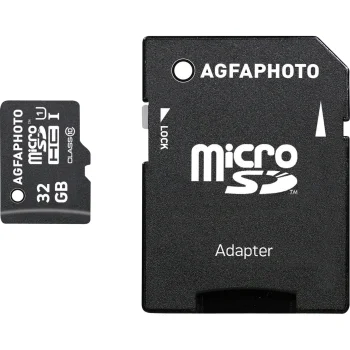
AgfaPhoto MicroSDHC 32GB Memory Card UHS-I U1 Class 10 with SD Adapter
AgfaPhoto
Uus
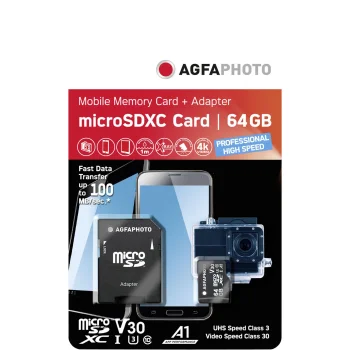
AgfaPhoto microSDXC UHS-I 16 GB U3 V30 Memory Card with Adapter
AgfaPhoto
Uus
GODOX 32GB microSD Memory Card (Class 10, U1)
Godox
Uus
GODOX microSDHC Memory Card 16GB Class 10 U1 for GODOX C100 Camera
Godox
Uus
GODOX microSDHC Memory Card 8GB, Class 10 U1 for GODOX C100
Godox
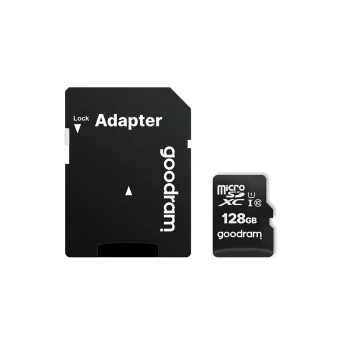
Goodram 128GB microSDXC Memory Card, Class 10 UHS-I with Adapter, Black
Goodram

-33%

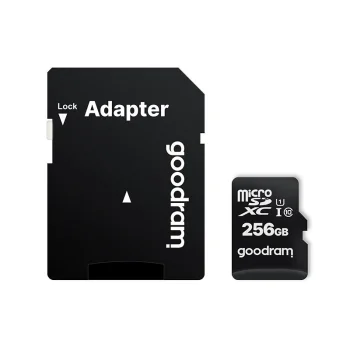
Goodram 256 GB microSDXC Memory Card (U1 100MB/s read)
Goodram
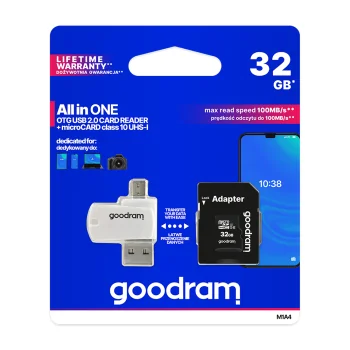
Goodram 32GB microSDHC Memory Card Class 10 UHS-I with Adapter and Card Reader, Black
Goodram
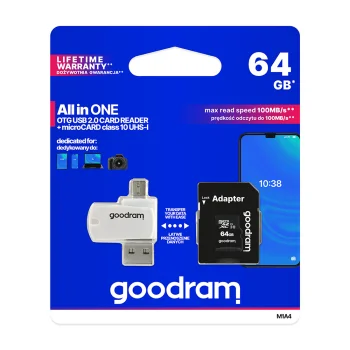
Goodram 64 GB microSDHC Memory Card Class 10 UHS-I with Adapter and Card Reader, Black
Goodram
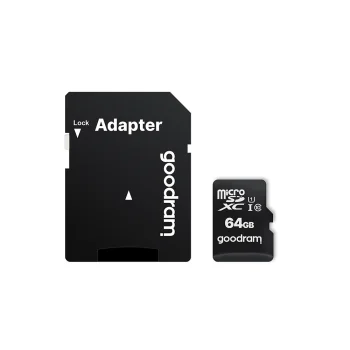
Goodram 64 GB microSDXC Memory Card Class 10 UHS-I 30 / 15 MB/s with Adapter
Goodram
Uus

-18%

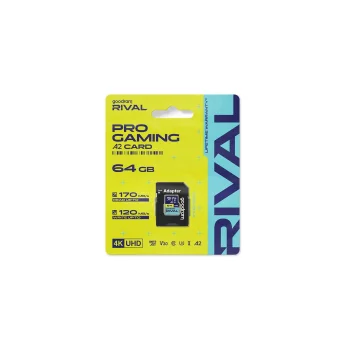
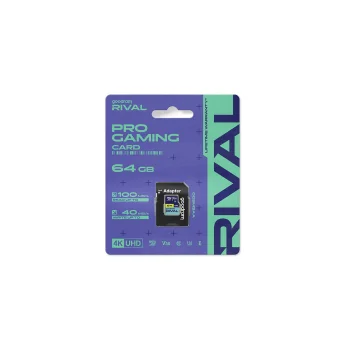
Goodram Rival M2AA Micro SDXC 64GB UHS-I U3 A2 V30 Memory Card
Goodram
Uus

-13%

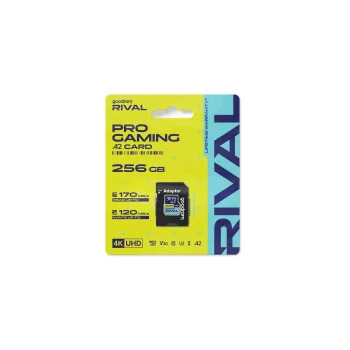
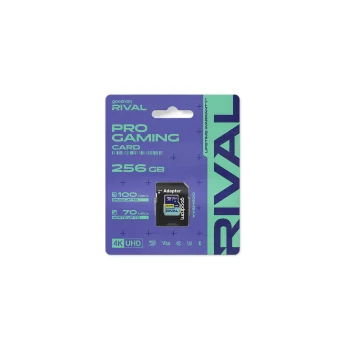
Goodram Rival M2AA Micro SDXC Memory Card 256GB (170/120 MB/s)
Goodram
Uus
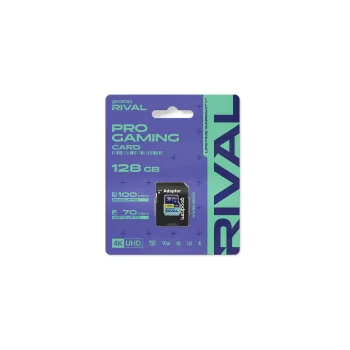
Goodram Rival M2AA MicroSDXC Memory Card 128GB (170/120 MB/s)
Goodram
Uus

-18%

Goodram Rival M3AA Micro SDXC Memory Card 128GB UHS-I U3 V30
Goodram
Uus

-13%

Goodram Rival M3AA Micro SDXC Memory Card 256GB UHS-I U3 V30
Goodram
Uus

-20%

Goodram Rival M3AA Micro SDXC Memory Card 64GB UHS-I U3 V30
Goodram

-28%

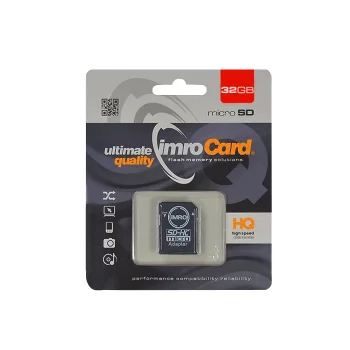
Imro 32GB microSDHC Memory Card Class 10 UHS-I with Adapter
Imro

-34%

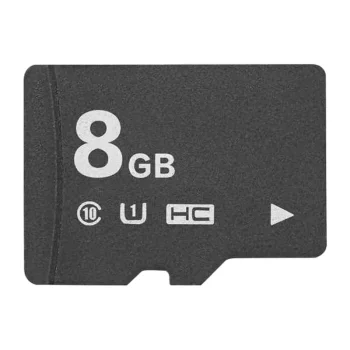
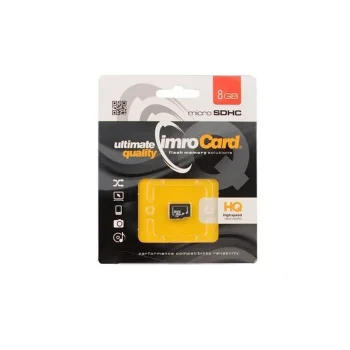
Imro 8GB microSDHC Class 10 Memory Card, Black
Imro


Micro SD memory cards are small but essential accessories for many devices — from smartphones and tablets to action cameras and drones. This category includes microSD, microSDHC and microSDXC cards, as well as bundles with adapters that let you use microSD cards in devices with a standard SD slot.

Common use cases include storing photos and videos on cameras and phones, recording 4K footage on drones or mirrorless cameras, expanding device storage for apps (A1/A2 rated cards), and portable media archiving. For travel and outdoor use, having spare microSD cards means you can quickly swap full cards and continue shooting without relying on cloud services.

Key features to consider are capacity (from 8 GB to 1 TB), speed classes (Class 10, UHS-I/UHS-II, and video speed classes like V30/V60), application performance (A1/A2), and durability attributes such as water, temperature and shock resistance offered by some models. Adapters provide compatibility with SD slots, while certified cards help reduce the risk of data loss and ensure stable performance.
How to choose the right card: check your device specifications for supported types (SDHC vs SDXC) and maximum capacity, decide on the intended use — casual photos, long 4K recordings, or app storage — and select the appropriate speed class. For 4K video, opt for V30 or higher; for running apps from the card, choose A1 or A2. Also consider brand reputation and manufacturer recommendations.

Practical tips: format new cards in the device before first use, keep regular backups of important files, handle adapters carefully to avoid contact damage, and use a card reader that supports the card's maximum transfer speed for fast file transfers.

  • Capacities from 8 GB up to 1 TB
  • Speed classes: Class 10, UHS-I/II, V30/V60
  • A1/A2 optimization for app performance
  • Adapters for SD slots included with some kits
  • Models available with water, temperature and shock resistance
  • Convenient for travel, backup and professional recording

Frequently Asked Questions

Many modern microSD cards are designed with increased resistance to water, temperature extremes and shocks, but durability varies by model. For demanding outdoor use choose cards with specified protection ratings and always back up important data regularly.
For 4K video choose a card rated V30 or higher and select capacity based on recording length — often 64 GB or more. Check your camera or drone requirements to ensure compatibility and stable recording.
Yes — with more rugged models and protective cases, microSD cards work well for travel and children's devices. Still, it's wise to back up photos and videos frequently to avoid loss.
Do not remove the card during read/write operations, avoid contact with metal surfaces, and store cards in protective cases when not in use. Format the card in your device as recommended and keep regular backups.