
Video cables and adapters — HDMI, DisplayPort
Discover video cables and adapters: HDMI, DisplayPort, USB‑C, DVI and VGA to connect TVs, monitors, projectors, game consoles and laptops. Choose the right length, standard and converter for home, office or travel. Browse and find a reliable connection for any device.

-52%


-22%
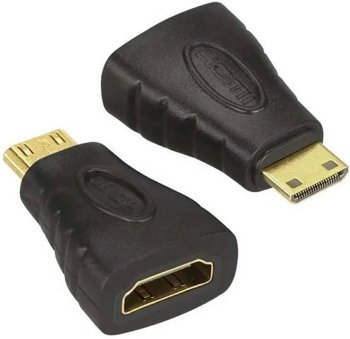


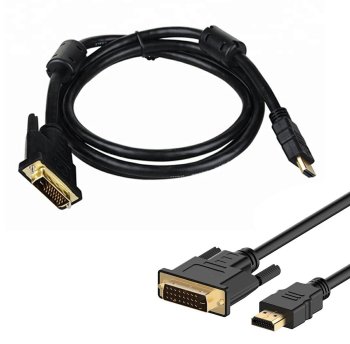


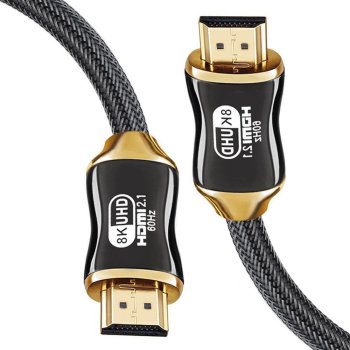
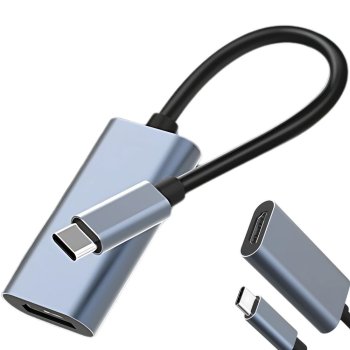
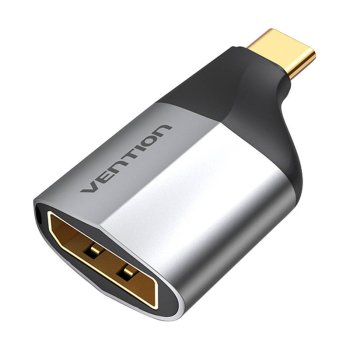
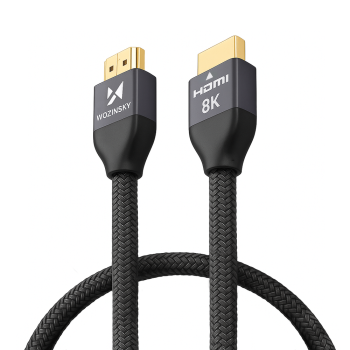
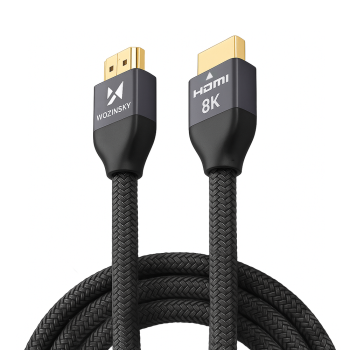

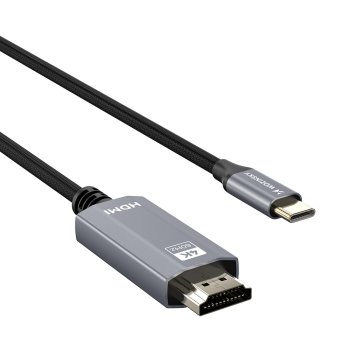
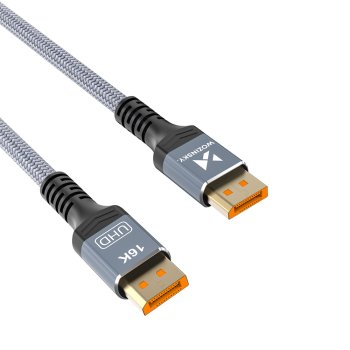
Video cables and adapters deliver crisp, stable picture and audio without lag or dropouts. With the right cable, your setup shines—whether it’s a home cinema, gaming at high refresh rates, a multi‑monitor workstation, or reliable presentation gear for meeting rooms.
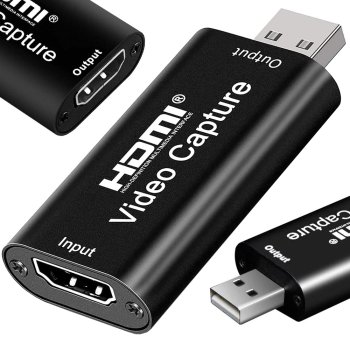
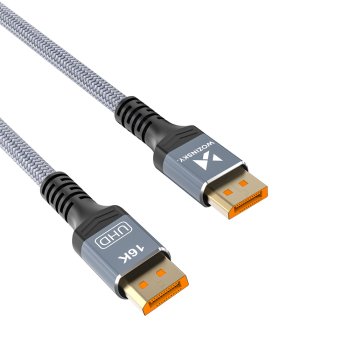
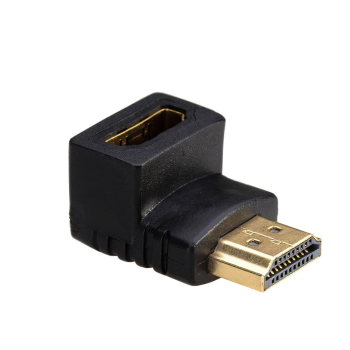
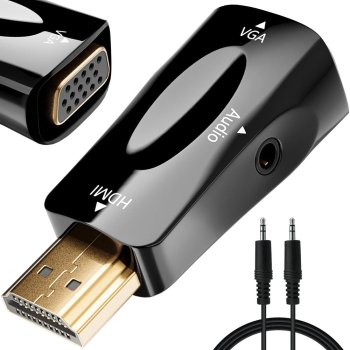
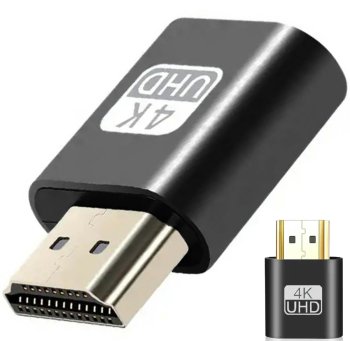
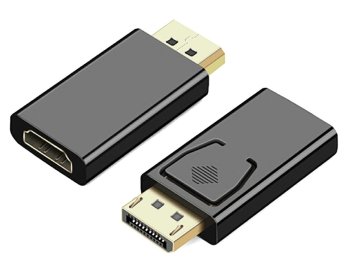
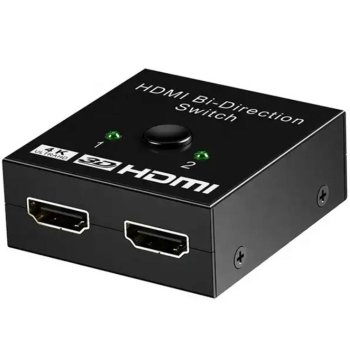
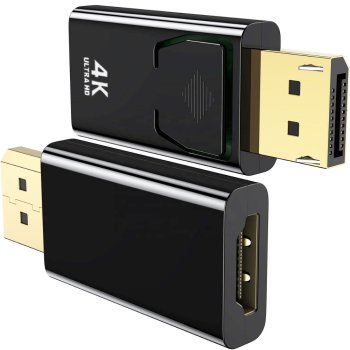
This category includes HDMI (including Ultra High Speed HDMI 2.1 for 8K and 4K/120), DisplayPort 1.4/2.0, Mini DisplayPort, USB‑C with DisplayPort Alt Mode or Thunderbolt, plus DVI and VGA for legacy displays and projectors. You’ll also find active and passive adapters (USB‑C→HDMI/DP, DP→HDMI, Mini DP→DP), angle adapters, extensions, splitters, and compact travel hubs for on‑the‑go connections.
Common use cases: at home—hook up TVs, sound systems and consoles with 4K/8K and HDR; in the office—power multi‑display desks and projectors for meetings; on the move—slim USB‑C adapters for laptops and tablets; education and events—long runs with active or optical HDMI/DP; creative studios—high‑bandwidth links that preserve color accuracy and high refresh rates.
Key factors to consider include supported resolution and refresh rate (4K/60–120 Hz, 8K/60, VRR), HDR formats, bandwidth (HDMI 48 Gbps, DP 32.4 Gbps), length versus signal integrity, and build quality. Multi‑layer shielding, gold‑plated contacts and braided jackets help reduce interference, improve contact reliability and extend lifespan. Right‑angle plugs and ultra‑flexible or slim cables are ideal behind wall‑mounted screens and monitor arms.
How to choose: First, match the ports and standards of your source (PC, console, phone) and display (TV, monitor, projector). For 4K at 120 Hz gaming, pick certified Ultra High Speed HDMI 2.1; for multiple monitors from a PC, DisplayPort 1.4 or USB‑C with DP Alt Mode is often best. Up to ~2–3 m, passive cables typically perform well; beyond 5 m, consider active or optical HDMI/DP, repeaters or extenders. USB‑C to HDMI/DP adapters require your device to support DisplayPort Alt Mode or Thunderbolt.
Think ahead: if you’ll upgrade soon to higher refresh or 8K, choose a standard with headroom. For frequent travel and installs, look for reinforced strain relief and durable braided jackets. Maintenance is simple—avoid sharp bends, secure with Velcro ties, and clean contacts with a dry, soft cloth. The right cable makes connectivity effortless and dependable.
- Connector variety: HDMI, DisplayPort, USB‑C, DVI, VGA
- Support for 4K/8K, high refresh rates, HDR and VRR
- Robust builds: shielding, gold‑plated contacts, braided jackets
- Active and optical options for long‑distance runs
- Compact adapters for travel and quick presentations
- Right‑angle and slim cables for tight spaces
- Trusted certifications: Ultra High Speed HDMI, VESA DisplayPort


