
Docking stations & hubs — USB‑C, Thunderbolt | Motivs.lv
Docking stations and hubs extend your laptop or tablet connectivity: USB‑C/Thunderbolt docks, HDMI/DisplayPort outputs, Ethernet and extra USB ports. Perfect for home office, presentations or travel — plug one cable to get monitors, network and power at once. Browse compact portable adapters and full-featured desktop docks to find the right match for your device.


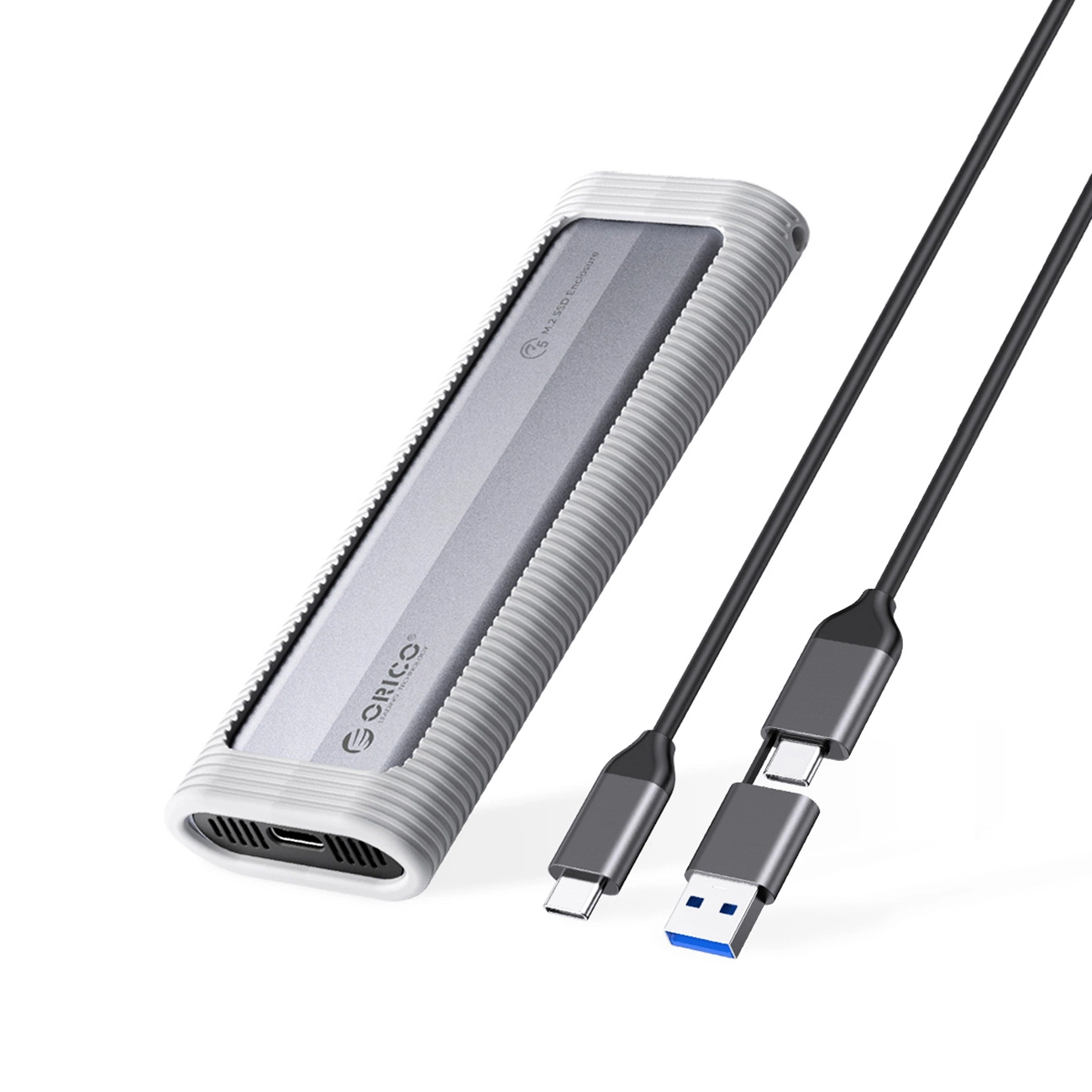


This category includes a wide range of docking solutions, from compact USB‑C adapters to full Thunderbolt docking stations with multiple video outputs. Common features include USB‑C or Thunderbolt inputs, HDMI or DisplayPort for external displays, Ethernet for wired networking, SD card readers, and additional USB‑A or USB‑C ports for peripherals. Options vary between bus‑powered hubs and mains‑powered docks that offer higher power delivery.
Typical use cases: home office setups where a laptop becomes a multi‑monitor workstation; meetings and presentations where quick connection to a projector or screen is needed; travel, where small, portable hubs save space; and professional creative work that requires 4K output and fast data transfer. Docking stations serve both casual users and professionals who need a reliable, tidy workspace.
Key benefits and features include increased connectivity, single‑cable convenience for data, video and power, support for Power Delivery (PD), high‑speed data transfer (USB 3.x), and reliable wired Ethernet. Materials range from lightweight plastic to anodized aluminum offering better heat dissipation and a premium look. Sizes vary from pocketable dongles to larger desktop docks with multiple monitor outputs and substantial power bricks.
What to consider when choosing a dock:
- Check your laptop’s ports (USB‑C, Thunderbolt 3/4, USB‑A) and choose a dock with compatible input.
- If you plan to use multiple monitors or 4K displays, verify the dock’s video output types and supported resolutions.
- For laptop charging, make sure the dock’s Power Delivery wattage (e.g., 45W, 60W, 85W, 100W) meets your device’s requirements.
- For heavy data tasks or streaming, opt for USB 3.1/3.2 ports and gigabit Ethernet.
- Consider portability, cable length, and whether you need a driver‑free plug‑and‑play device or a model that requires drivers for advanced features.
- Expand ports: USB, HDMI/DisplayPort, Ethernet
- Power Delivery support for charging laptops
- Support for multiple monitors and up to 4K resolutions
- Portable (bus‑powered) and desktop (powered) options
- Different materials: plastic or aluminum bodies
- High‑speed USB and gigabit Ethernet for reliable networking
- Some models require drivers for full functionality


